TikTok Automation Software Guide for App Founders
Choose TikTok automation software for apps: demos, hooks, drafts, scheduling, autopilot workflows, QA, pricing, and formats.
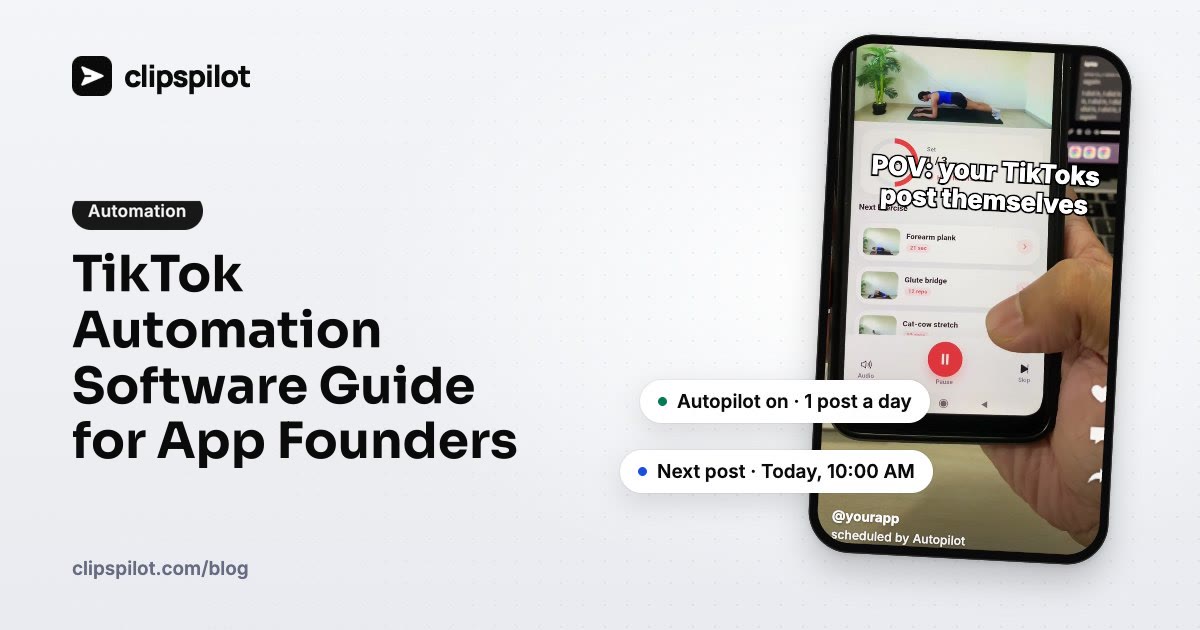
TikTok automation software should help you create, schedule, review, and publish TikToks without turning your app account into a copy-paste feed. For app founders, the best tools turn demo clips, screenshots, hooks, captions, and posting times into a repeatable workflow.
The main question is simple: do you only need to queue finished videos, or do you need software that helps make the TikToks too?
What TikTok automation software should actually do for app marketing
TikTok automation software reduces the repetitive parts of TikTok publishing. That can include creating variations, writing hooks and captions, scheduling posts, sending posts to drafts, publishing to connected TikTok accounts, and organizing generated assets.
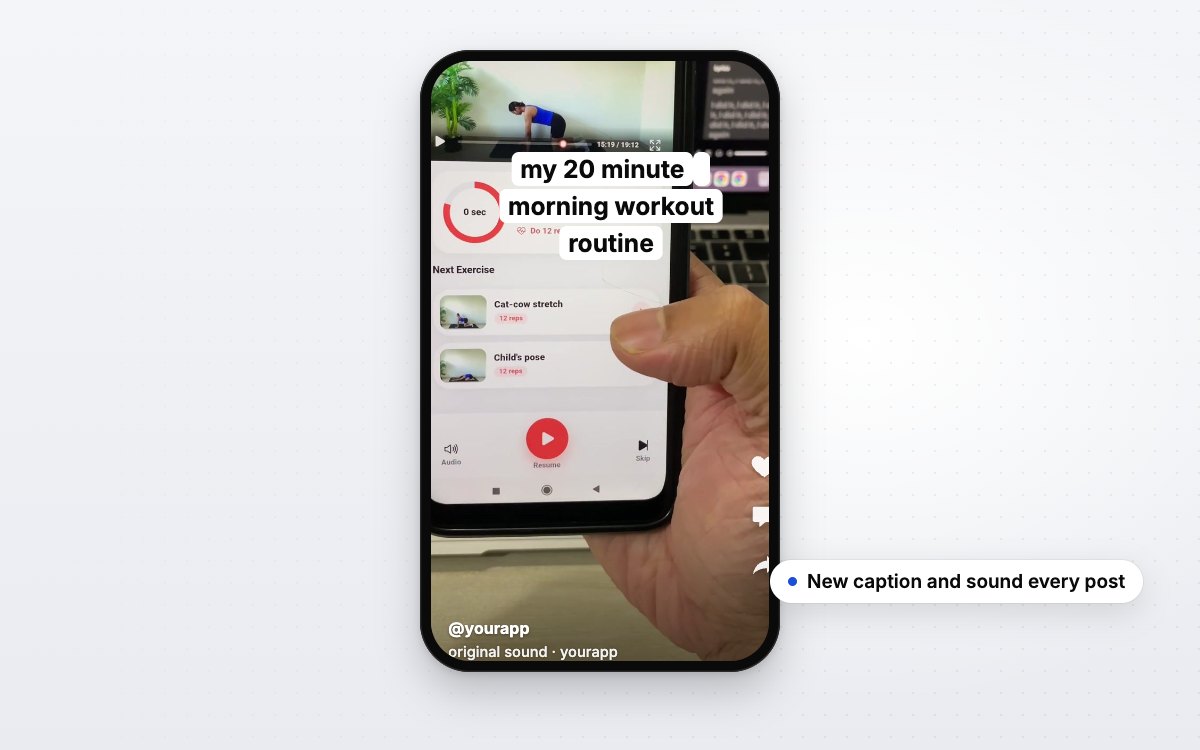
A basic TikTok scheduler only handles timing. You upload a finished video, choose a date, and let it post later. Automation software goes further when it also helps create the content: hooks, overlays, captioned demos, slideshows, and recurring variations.
This matters for app marketing because founders usually have usable assets already: product demos, screenshots, onboarding flows, feature clips, pricing screens, before-and-after states, and results. The hard part is turning each asset into many TikToks without spending hours editing.
Good automation should increase volume without making every post look identical. You want new hooks, varied formats, clean demos, and a review process. ClipsPilot is TikTok-only and creates and posts TikTok content for app founders and marketers.
Worked example: A habit-tracking app founder records one 12-second demo of the app's streak screen. A TikTok automation workflow can turn it into: 1 Hook & Demo post with the hook 'I stopped breaking habits when I saw this screen every morning', 1 Fade In/Out post with a banner saying 'The tiny streak view that keeps me honest', 1 Video + caption post saying 'If you keep restarting your habits every Monday, try tracking the smallest version instead', and 1 Slideshow Autopilot carousel using screenshots with the title '5 reasons your habit tracker is not sticking'.
The four automation levels: scheduler, drafts workflow, content generator, and autopilot
Break the category into four levels before you compare tools.
Level 1: native or simple scheduling. Use this when you already have finished videos. It saves time, but it does not solve the content creation problem.
Level 2: drafts-first workflow. Use this when you want AI-assisted content but still want to approve every post inside TikTok before publishing. This fits sensitive, regulated, pre-launch, or claim-heavy apps.
Level 3: generation plus scheduling. Use this when the bottleneck is writing hooks, captions, and post variations from demos and screenshots.
Level 4: autopilot. Use this when you want recurring post creation from reusable inputs: demo clips, screenshots, photo collections, hook directions, schedules, and connected TikTok accounts. ClipsPilot sits in this creation-plus-posting/autopilot category for TikTok content, with the option to publish live or send generated posts to TikTok drafts for review.
Decision checklist: Choose Level 1 if you already have 30 finished TikToks. Choose Level 2 if your app is sensitive, regulated, or pre-launch and you want to review every post. Choose Level 3 if you have demos and screenshots but cannot write enough hooks. Choose Level 4 if you need several posts per week or per day across one or more TikTok accounts and want recurring generation from reusable inputs.
The app-specific features to look for in TikTok automation software
Prioritize features that match how apps are sold on TikTok: hooks, demos, screenshots, short captions, carousels, and repeatable testing.
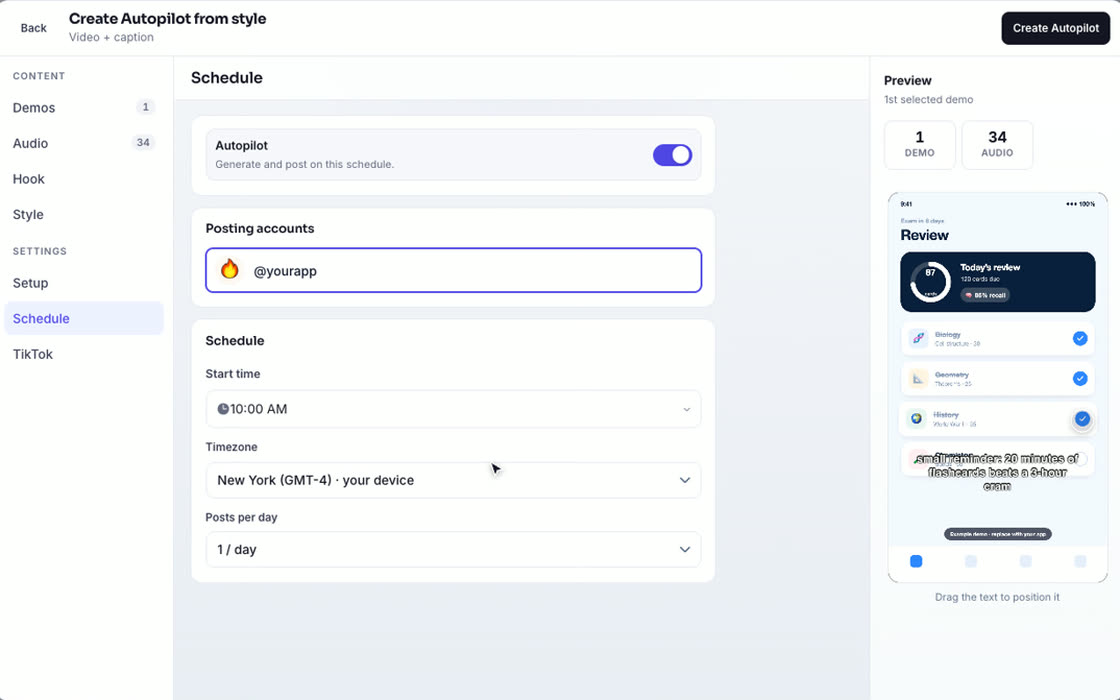
Look for support for app demo recordings, not only generic video uploads. Look for recurring hook variation so the same demo can be tested with pain, result, curiosity, comparison, mistake, objection, and persona angles. Look for carousel or slideshow creation if your app has strong screenshots, before-and-after states, lists, or educational content. For carousel structure, see the guide to TikTok photo slideshows.
Also check scheduling by day, time, and timezone. App founders need a cadence they can keep, not a random queue. Use drafts review when accuracy, brand voice, compliance, or product claims need checking. If your company runs separate accounts by product, market, persona, or client, multi-account support matters.
Relevant features in ClipsPilot include Slideshow Autopilot, Hook & Demo, Fade In/Out, Video + caption, hook directions, schedules, connected TikTok accounts, drafts or live posting, content calendar, posts list, bulk scheduling, a generated library, and support for several TikTok accounts.
Buyer scorecard: Rate each tool from 0 to 2 on these criteria: demo-video support, AI hook variation, TikTok carousel/slideshow support, drafts-first review, live posting, timezone scheduling, multiple TikTok accounts, calendar view, generated asset library, bulk scheduling, and pricing that fits your target posting volume. Example score use: if you plan 3 posts/day, 30 days/month, you need at least 90 posts/month before testing extra accounts.
The core app TikTok formats your software should help automate
The best automation software is not just about posting faster. It should help produce TikTok-native formats that fit app marketing.
Hook & Demo: a short hook clip or hook moment followed by a product demo recording. This is useful when the interface proves the promise. See the deeper guide to Hook & Demo videos.
Fade In/Out: a demo video with a hook banner that appears and disappears without distracting from the interface.
Video + caption: a demo clip with an AI-written caption over the video for fast product explanation.
Slideshow or carousel: listicle-style posts using app screenshots, user photos, curated photo collections, or visual examples.
Use demo formats for feature proof. Use slideshow formats for education, listicles, and mistake breakdowns. Use captions for problem/solution framing. ClipsPilot supports these four Autopilot formats for TikTok.
Format map for a calorie-tracking app: Hook & Demo hook: 'This is the fastest way I found to log a homemade meal.' Fade In/Out banner: 'Stop guessing your calories from memory.' Video + caption: 'I log lunch before I leave the kitchen, not at 10pm when I forgot everything.' Slideshow title: '7 meals people underestimate by 300+ calories' with slides for pasta, smoothies, nuts, sauces, coffee drinks, takeout bowls, and weekend snacks.
A realistic automated TikTok workflow for one app demo
Use this workflow from raw app asset to scheduled posts.
- Choose one narrow product moment, such as creating an invoice, finishing a workout, translating a menu, or planning a trip.
- Record a clean 8-20 second vertical demo with no unnecessary setup.
- Choose 3-5 hook directions: pain, result, curiosity, comparison, mistake, objection, or persona.
- Generate multiple TikTok variations from the same demo using different hooks, captions, and formats.
- Send the first batch to drafts if the product claim, UI state, or audience angle needs review.
- Schedule approved posts across the week instead of publishing them all at once.
- Keep the winners and create new variations around the best hook direction.
For more on safe posting automation, read how to automate TikTok posting without losing quality.
Sample weekly workflow: Monday 9:00 AM record a 15-second demo of a budgeting app categorizing a transaction. Monday 10:00 AM create 6 variations. Tuesday 12:15 PM post Hook & Demo with 'Your budget is not broken. Your categories are too vague.' Wednesday 6:30 PM post Video + caption with 'This is how I split groceries, takeout, and random Target runs.' Friday 8:45 AM post Fade In/Out with 'One screen that explains where your paycheck went.' Sunday 5:00 PM post Slideshow with '5 budget categories that stop surprise overspending.' Numbers are illustrative.
How much automation do you need? Match software to posting volume and account structure
Calculate your required monthly post volume before comparing prices. One founder posting once per day has very different needs from an agency managing several app clients.
More accounts mean more hook angles, more calendars, and more review steps, not just more posts. Start with a sustainable cadence. Increase only when the workflow and review process are stable. If you are unsure, use the posting cadence guide on how often to post on TikTok.
ClipsPilot pricing is: Pro is $19/month for 100 posts/month and 5 Autopilots; Growth is $39/month for 300 posts/month and 20 Autopilots; Scale is $79/month for 750 posts/month and 50 Autopilots; Agency is $149/month or $1,490/year for 2,000 posts/month and unlimited Autopilots. The monthly post pool is shared across slideshow and video posts. See /pricing for the current plan page.
Illustrative volume calculator: 1 app account x 2 posts/day x 30 days = 60 posts/month. 2 app accounts x 3 posts/day x 30 days = 180 posts/month. 5 client accounts x 2 posts/day x 30 days = 300 posts/month. Add a 20% testing buffer if you create extra drafts or variations, so 180 planned posts becomes about 216 generated posts/month.
Quality control: how to automate TikTok without making low-effort app spam
Automation needs constraints: specific hook directions, limited claims, clean demo recordings, varied formats, and scheduled review. Do not repeat the same demo with nearly identical hooks every day.
Use a drafts-first phase for new apps, sensitive claims, paid features, health apps, finance apps, legal apps, or any content where a wrong promise could create support problems. Posts can go to TikTok drafts for review first or post live, depending on the workflow.
Pre-publish QA checklist: 1 Hook is specific: 'Plan a 3-day Tokyo trip in 20 seconds' is better than 'Best travel app ever.' 2 Demo proves the hook within the first few seconds. 3 On-screen text does not cover key buttons. 4 Caption uses a soft CTA such as 'I built this for people who over-plan trips and still miss the good spots.' 5 No fake download, revenue, or user result is claimed. 6 If unsure, send to TikTok drafts instead of publishing live.
Also check: hook matches demo, text is readable on mobile, UI is visible, claim is true, CTA is soft, no private data appears, caption does not overpromise, and the post fits the scheduled account.
Recommended setup: the first 14 days with TikTok automation software
Do not start by comparing every tool. Start by building a usable system.
Day 1-2: collect app assets, including 3-5 demo recordings, screenshots, and any photo collections that fit the product.
Day 3: define hook directions by audience pain, desired result, objection, and curiosity.
Day 4: build 2-4 recurring automation workflows or Autopilots around the strongest assets.
Day 5-7: generate a first batch and send to drafts for review.
Week 2: publish consistently. Track which hooks and formats earn profile visits, link clicks, installs, or activated users. Create more variations around winners.
A practical setup can use Autopilots with hook directions, schedules, connected TikTok accounts, plus a calendar, posts list, bulk scheduling, and generated library.
14-day starter plan: Day 1 record demos for onboarding, main feature, pricing screen, and aha moment. Day 2 upload screenshots or connect photo collections for slideshow ideas. Day 3 write hook directions: 'save time', 'avoid mistake', 'before/after', 'founder building in public'. Day 4 create one Hook & Demo workflow and one Slideshow workflow. Day 5 generate 10 posts and send to drafts. Days 6-7 approve 6 posts. Days 8-14 publish one post at 9:00 AM and one at 6:00 PM on Monday, Wednesday, and Friday, then review which hook direction produced the strongest app-intent signals. Numbers are illustrative.
FAQ
What is TikTok automation software?
TikTok automation software helps reduce repetitive TikTok work: creating post variations, writing hooks and captions, scheduling, sending posts to drafts, publishing, and organizing assets.
Can TikTok automation software post directly to TikTok?
Some tools can publish directly to connected TikTok accounts. Others only schedule reminders or send posts to drafts. Check whether the tool supports live posting, drafts, or both.
Is it better to auto-publish TikToks or send them to drafts first?
Send posts to drafts first when your app is new, regulated, pre-launch, or making claims that need review. Auto-publish only after the format, claims, and review rules are stable.
What is the difference between a TikTok scheduler and TikTok automation software?
A scheduler queues finished content. TikTok automation software can also help create the content, including hooks, captions, demo variations, slideshows, and recurring workflows.
What TikTok formats work best for marketing an app?
The strongest repeatable formats are Hook & Demo, Fade In/Out demo videos, Video + caption, and slideshow or carousel posts. They let you show one app use case clearly and test many hooks.