TikTok scheduler.
Plan the week. ClipsPilot posts it.

Schedule TikTok videos and photo slideshows ahead of time, in your audience’s timezone. Every post and every Autopilot run sits on one calendar, and ClipsPilot publishes them for you.

7-day free trial on every plan · Plans from $19/month

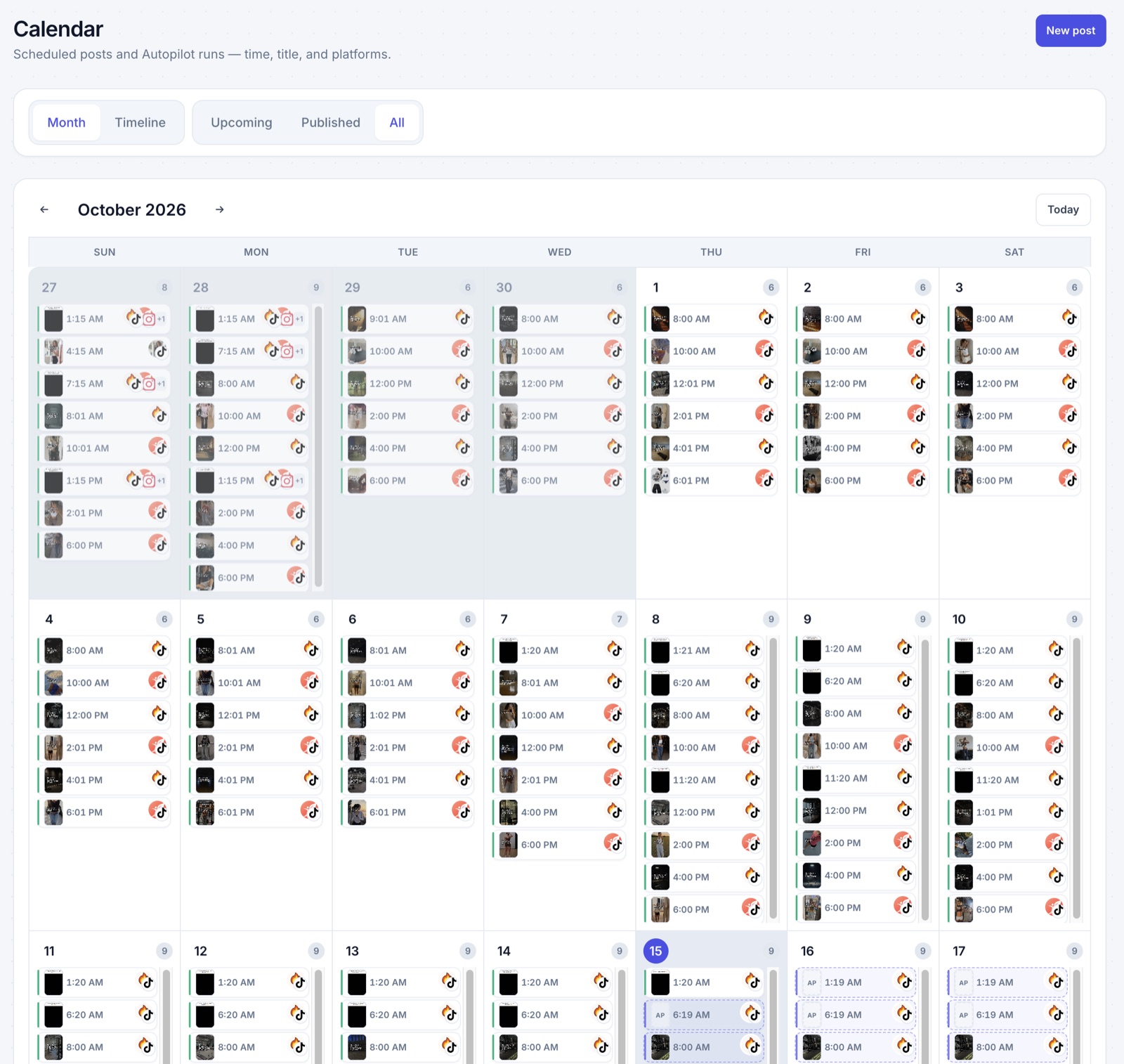
ClipsPilot calendar showing scheduled posts and upcoming Autopilot runs

Calendar

Every post on one calendar

See scheduled posts and upcoming Autopilot runs by month or as a timeline. Videos and slideshows show side by side.

  • Drag a post to another day
  • Filter upcoming and published posts
  • Every Autopilot run, before it posts
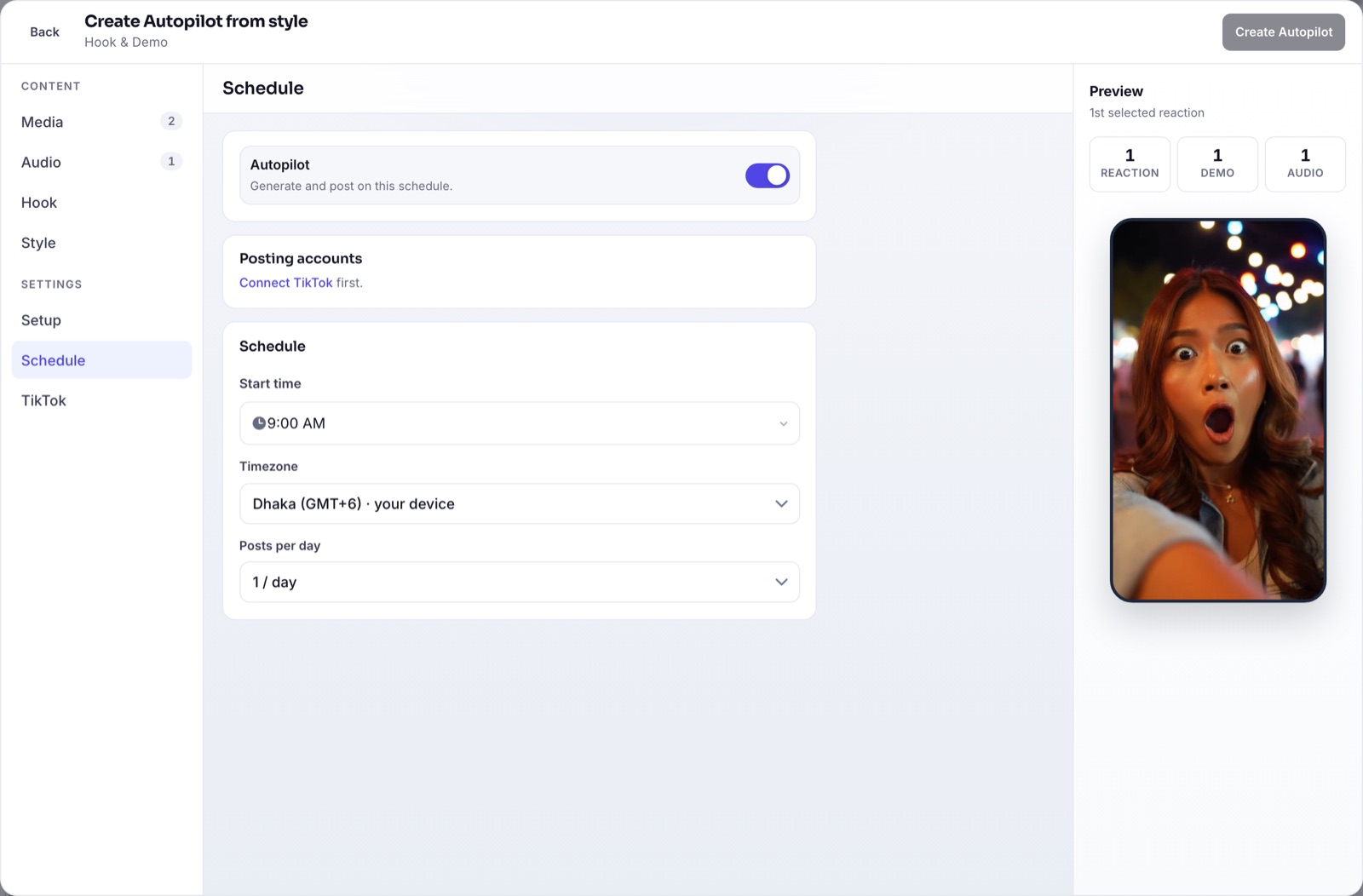
Autopilot schedule with posting accounts, start time, timezone and posts per day

Posting times

Post when your audience is awake

Set a start time, a timezone and how many posts a day. Each Autopilot runs on its own schedule.

  • Any timezone, not just yours
  • One to several posts a day
  • Bulk schedule a batch of videos at once
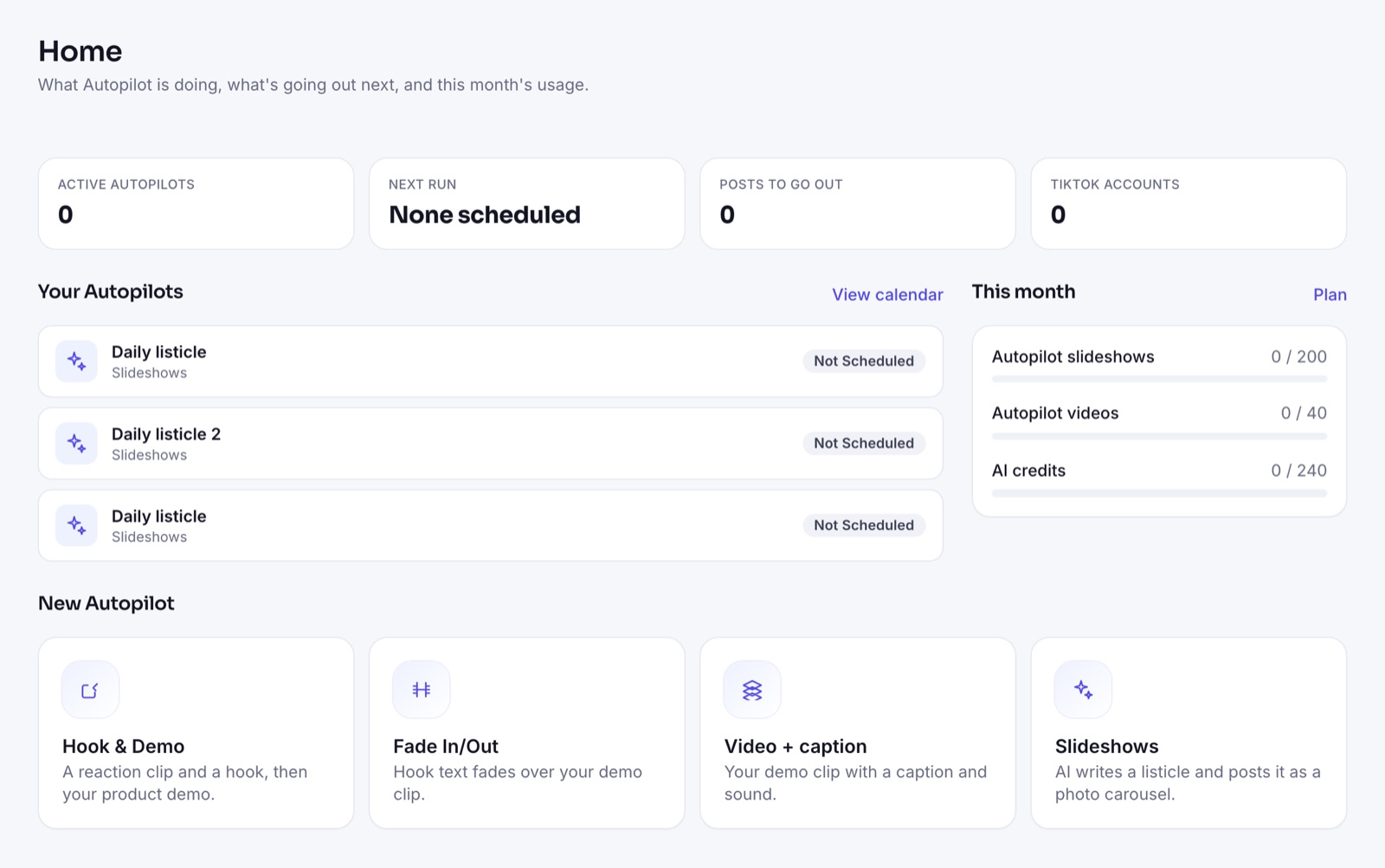
ClipsPilot Home with active Autopilots, monthly usage and the four Autopilot types

Beyond scheduling

Let it make the posts too

Turn on Autopilot and ClipsPilot also creates what it schedules: new videos from your clips and AI-written slideshows, so the calendar never runs dry.

  • Hook & Demo, Fade In/Out and Video + caption videos
  • AI photo slideshows from a topic
  • Send to drafts if you want to review

Schedule a week in one sitting

  1. Connect your accounts

    Log in with TikTok. Add every account you post to.

  2. Add posts or turn on Autopilot

    Upload finished videos, bulk schedule them, or let Autopilot make new ones.

  3. Check the calendar

    Everything that will post is on one calendar. Move posts around as plans change.

Common questions

Does ClipsPilot publish to TikTok automatically?

Yes. Scheduled posts publish through TikTok’s official API at the time you set. You can also send them to TikTok drafts instead.

Can I schedule photo slideshows?

Yes. Videos and native TikTok photo slideshows can both be scheduled and appear on the same calendar.

What’s the best time to post on TikTok?

It depends on your audience. Start with a few times spread across the day in their timezone, then shift toward when your analytics show they’re active.

Can I bulk schedule?

Yes. Bulk scheduling and unlimited bulk video generation are included on every plan.

Set it up once.
Post every day.

Start free trial