
Post viral TikToks
on autopilot
Set up Autopilot once. ClipsPilot creates TikTok videos and photo slideshows and posts them every day — no filming, no editing, no creators.
Fully automated content.
Get real views and engagement.
All made and posted in ClipsPilot.
Automate your content.
Up and running in 3 steps.
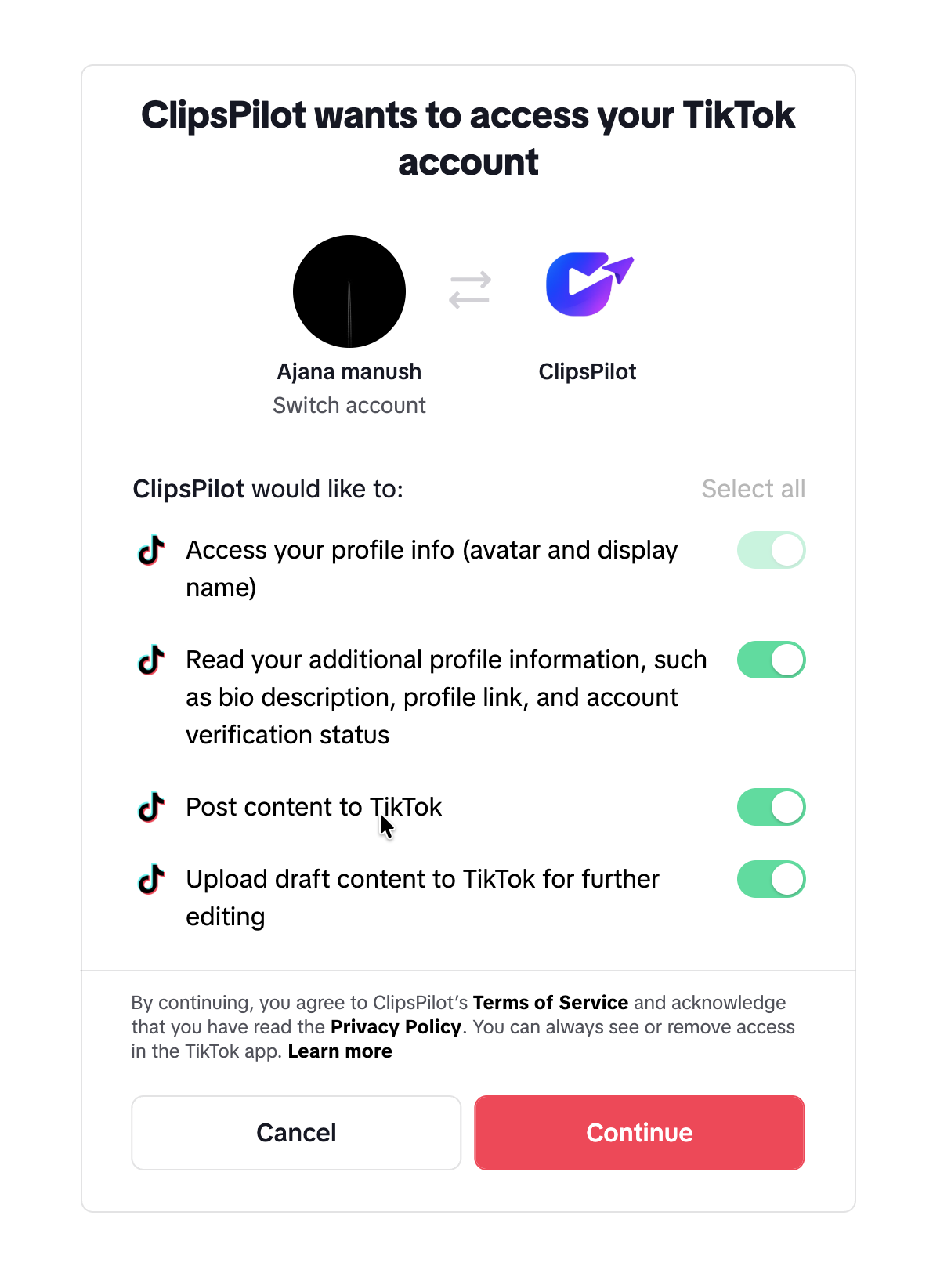
Connect TikTok
Link one or more TikTok accounts in a few clicks. Post directly, or send to drafts when you want a final look.
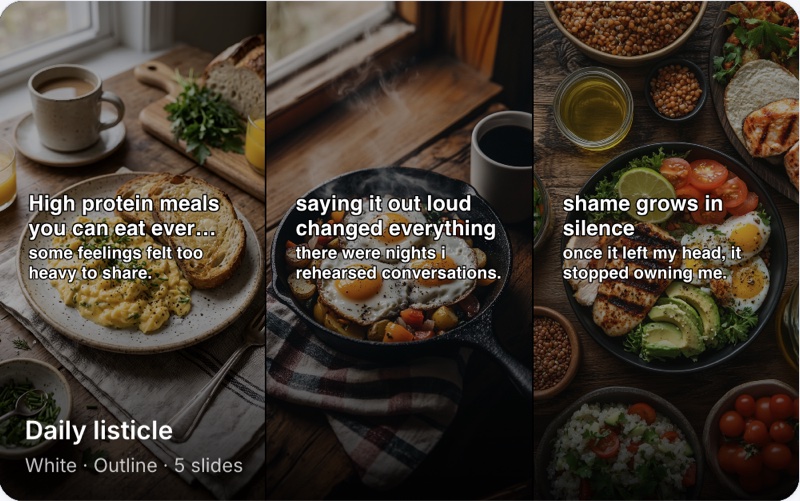
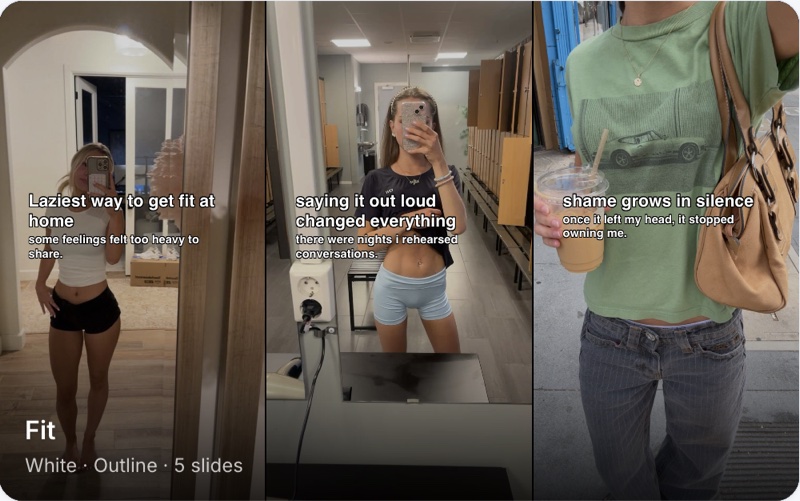
Set up your Autopilot
Pick Video or Slideshow Autopilot, add your demo clips or photos, and let AI write the hooks. Set it once.
 10.5k12
 90312
90312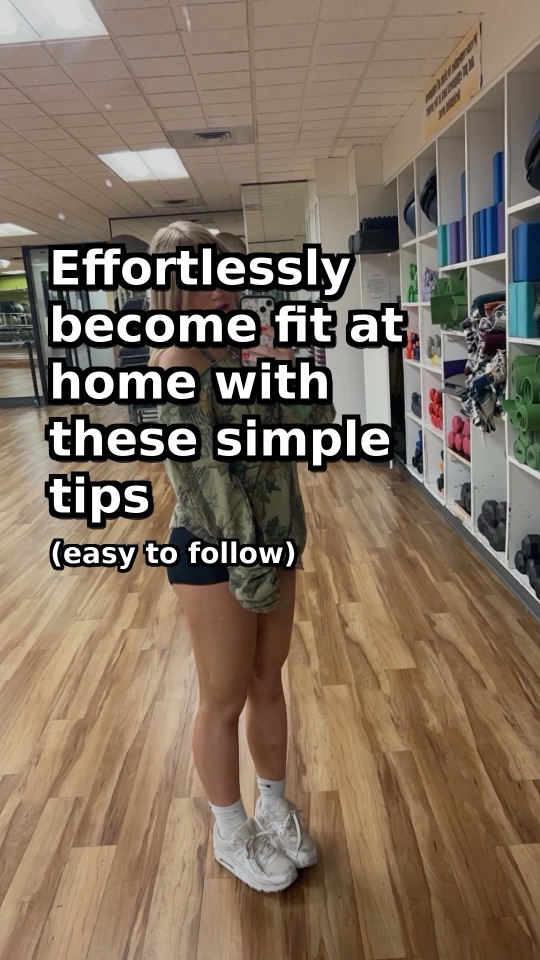 1342
1342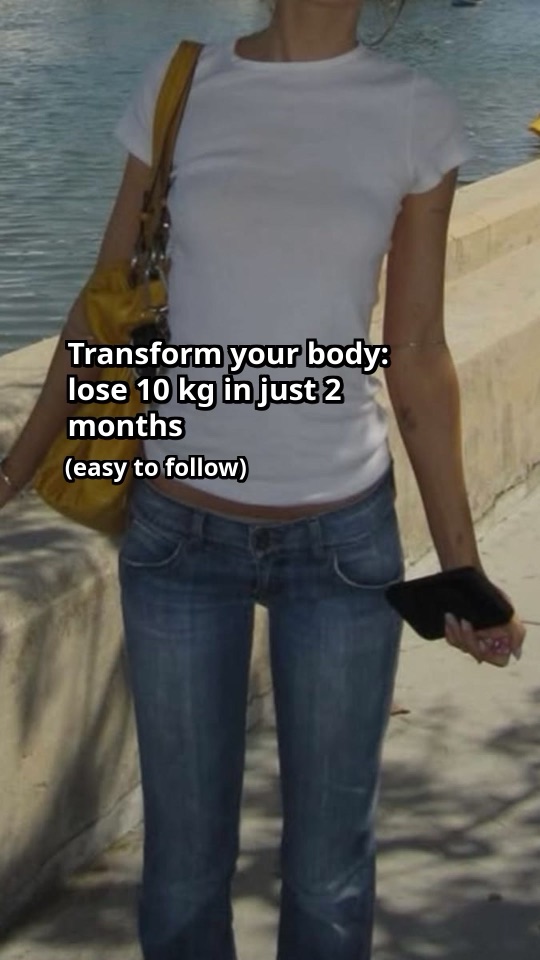 58211
58211Post daily & track growth
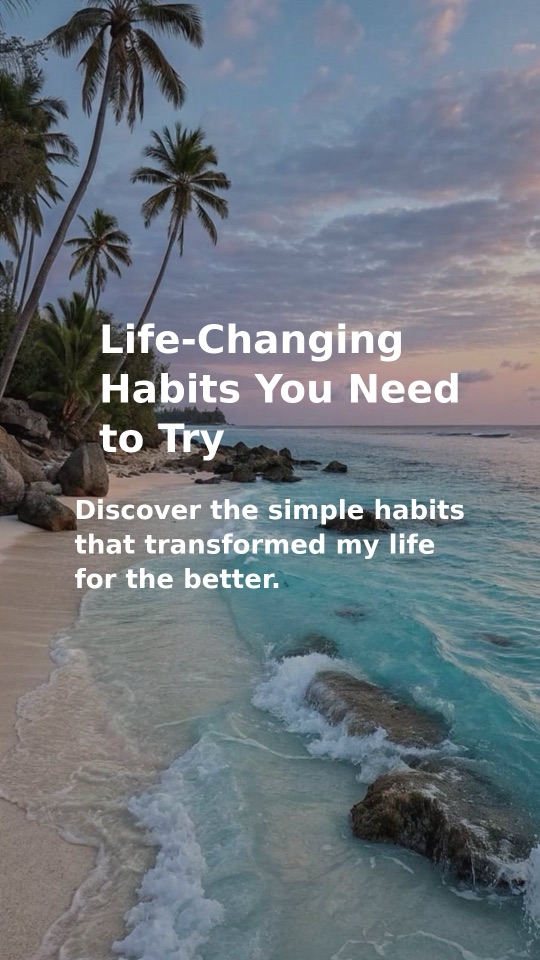
Autopilot posts on your schedule. See views, likes and comments, and spot which posts take off.
Stop the content grind.
Set it up once. Post every day.
Video Autopilot
One demo. Endless TikToks.
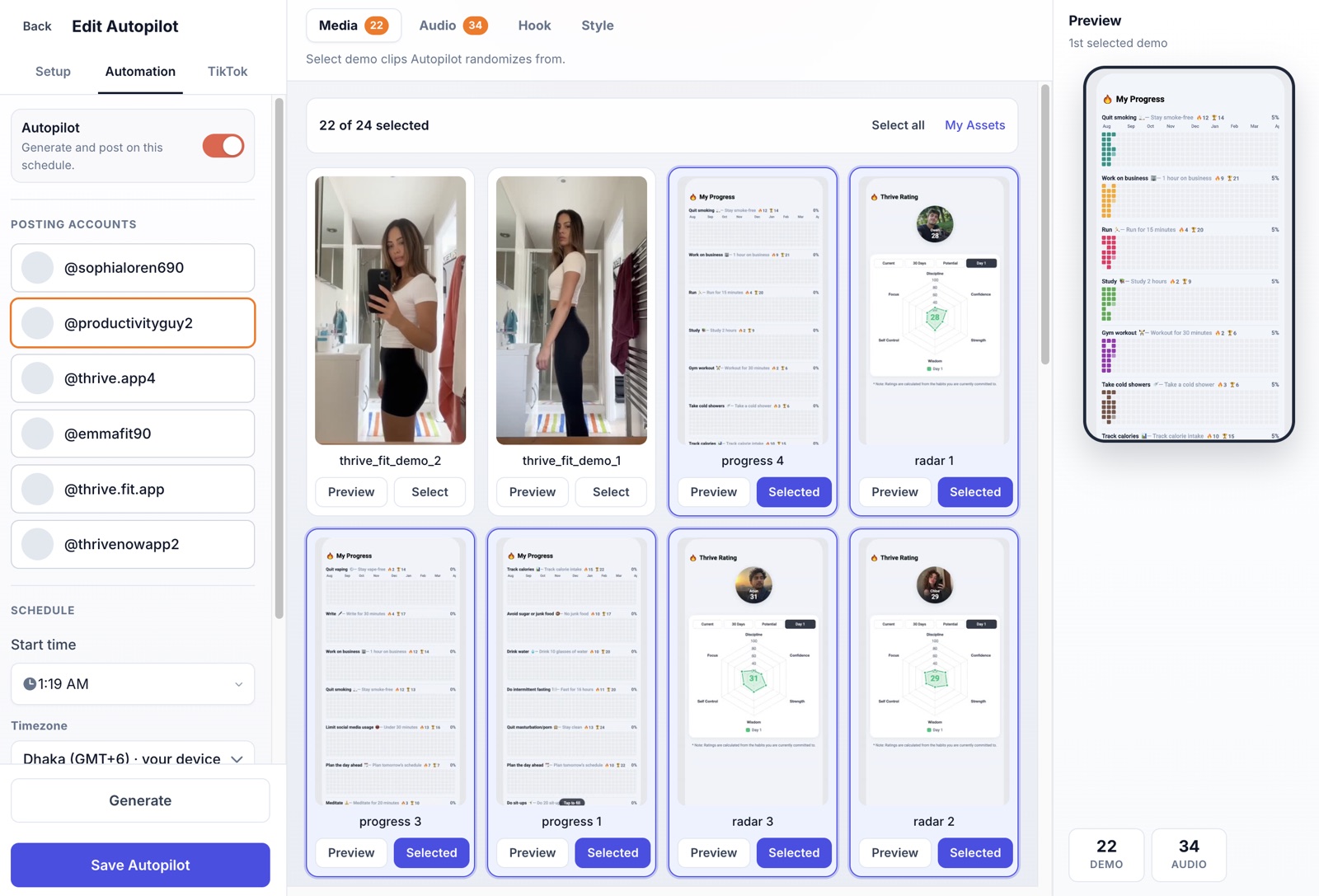
Pick your demo clips, sounds and hook style once. Autopilot remixes them into fresh Hook & Demo, Fade In/Out or Video + caption TikToks every day — no filming, no editing, no creators.
- A fresh mix of clip, sound and hook on every post
- Grow several TikTok accounts from one setup
- Posts on your schedule, in your timezone
Slideshow Autopilot
Slideshows that write themselves.
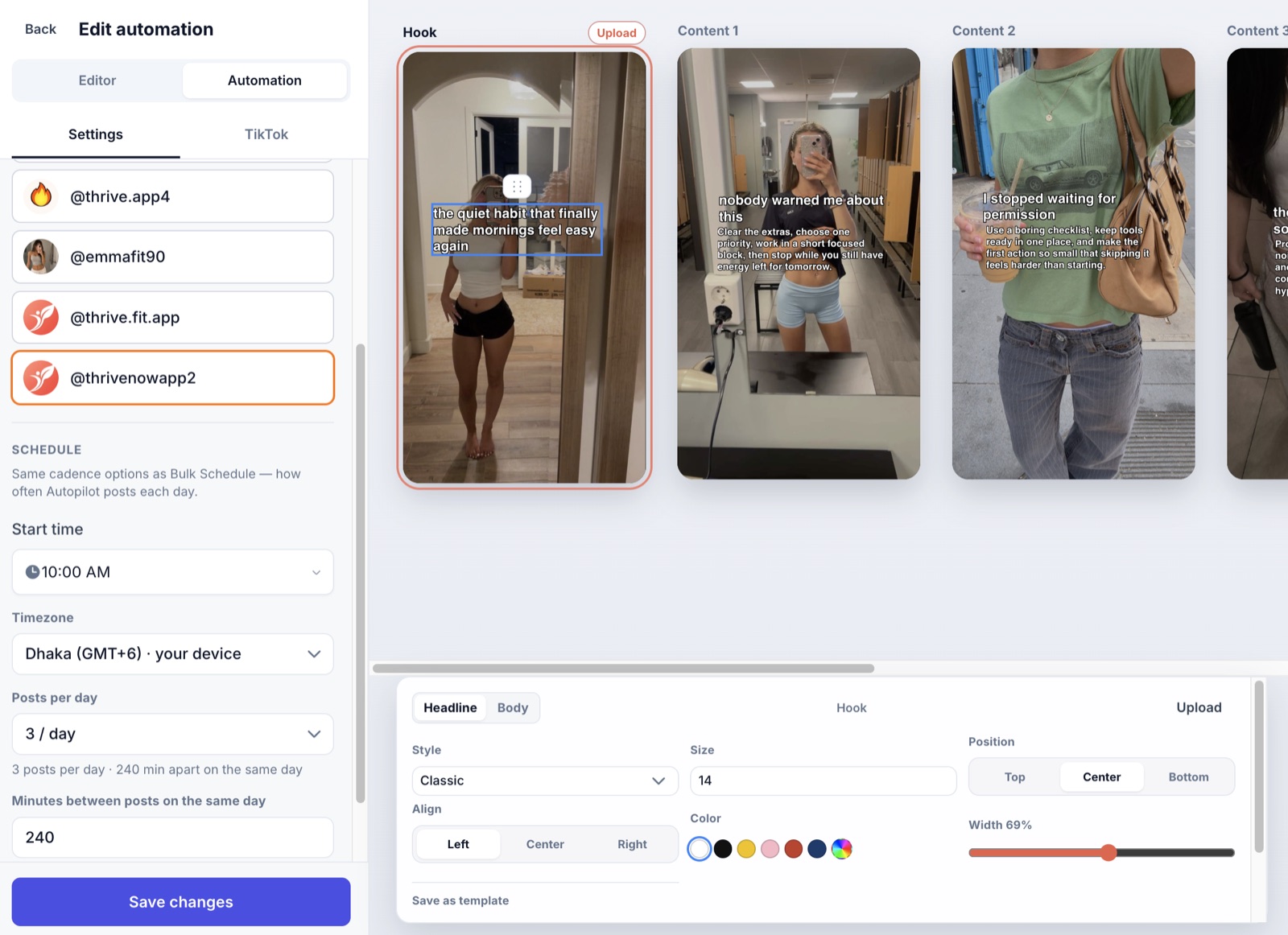
Give it a topic. AI writes the listicle, sets it over your photos and posts it as a native TikTok photo carousel — not a rendered video.
- AI-written hooks and slide copy
- Your text style, colours and layout on every slide
- Post straight to TikTok, or save to drafts first
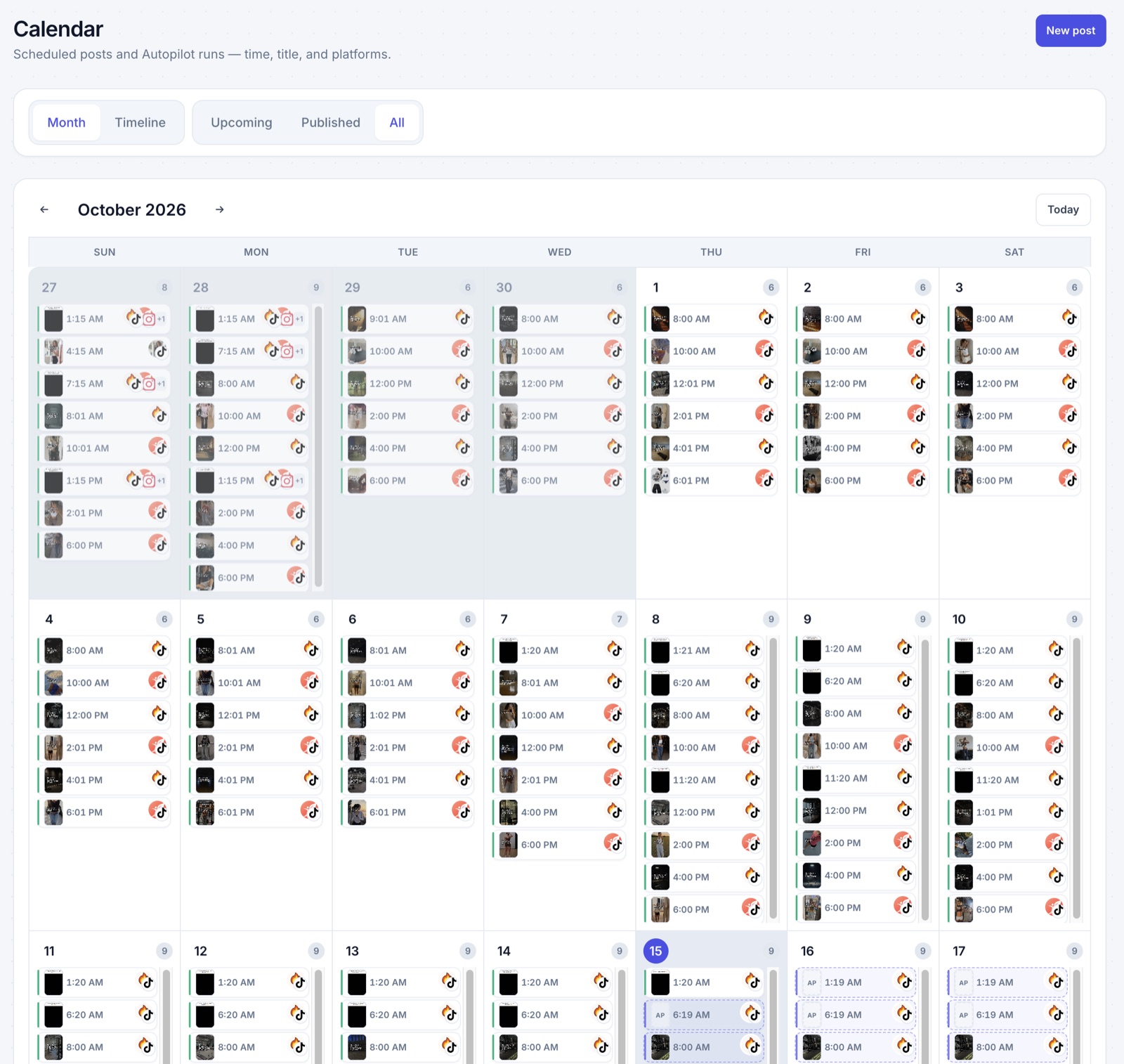
Calendar
Your whole month, already planned.
Every scheduled post and Autopilot run in one calendar — know what's going out next, what's already live, and never miss a day.
- Month and timeline views
- Drag a post to another day to reschedule
- Fix a failed post in one click
Stop putting off your marketing.
Do it in ClipsPilot.
Without ClipsPilot
- Spending your evenings editing in CapCut
- Writing hooks from scratch every day
- Designing slideshows slide by slide
- Going quiet for days when work gets busy
- Posting blind, never knowing what works
- One app to create, another to post
With ClipsPilot
- Videos edited and ready while you build
- AI writes a fresh hook for every post
- Full slideshows built from a single topic
- Autopilot posts daily, even in busy weeks
- Analytics show which posts take off
- Create and publish from one place
Simple pricing
Unlimited bulk video generation, bulk scheduling, analytics and TikTok publishing on every plan. Autopilot: Pro 40 slideshows + 10 videos · Growth 100 + 20 · Scale 200 + 40. 7-day free trial.
Pro
Create, schedule, and automate.
$19/month
Billed monthly
Includes 7-day free trial
- 40 Autopilot slideshows / month
- 10 Autopilot videos / month
- Unlimited bulk video generation
- Bulk video scheduling
- Analytics
- Publish to TikTok
- Unlimited accounts
- Help from the founder, right in the app
Growth
More Autopilot slideshows each month.
$39/month
Billed monthly
Includes 7-day free trial
- 100 Autopilot slideshows / month
- 20 Autopilot videos / month
- Unlimited bulk video generation
- Bulk video scheduling
- Analytics
- Publish to TikTok
- Unlimited accounts
- Help from the founder, right in the app
Scale
The most Autopilot content each month.
$79/month
Billed monthly
Includes 7-day free trial
- 200 Autopilot slideshows / month
- 40 Autopilot videos / month
- Unlimited bulk video generation
- Bulk video scheduling
- Analytics
- Publish to TikTok
- Unlimited accounts
- Help from the founder, right in the app
Common questions
What's the difference between Pro, Growth and Scale?
Every plan includes unlimited bulk video generation, bulk scheduling, analytics, publishing to TikTok, unlimited accounts and in-app help from the founder. Plans differ in how many slideshows and videos Autopilot creates each month: Pro 40 slideshows + 10 videos, Growth 100 + 20, Scale 200 + 40. Each one posts to every TikTok account you pick for that Autopilot.
Is ClipsPilot just a scheduler?
No. Autopilot creates your TikTok videos and photo slideshows, then posts them for you — create and publish in one place.
What are photo slideshows?
Listicle-style image sets with titles and body text. They post as native TikTok photo carousels — not as a rendered MP4 slideshow.
Which platforms are supported?
TikTok, for both videos and photo slideshows. Post now or schedule from one calendar.
Is there a free trial?
Yes. Every plan, monthly or yearly, starts with a 7-day free trial. Cancel before it ends and you won't be charged.
Can I change plans later?
Yes. Open Subscription in the app to switch plans anytime.
Can I cancel anytime?
Yes. Open Subscription in the app sidebar to manage billing in the customer portal.