TikTok automation.
From content to posting, on Autopilot.

Most schedulers only post what you already made. ClipsPilot makes the content too: a new video or photo slideshow from your clips, photos and hooks, posted to TikTok on your schedule.

7-day free trial on every plan · Plans from $19/month

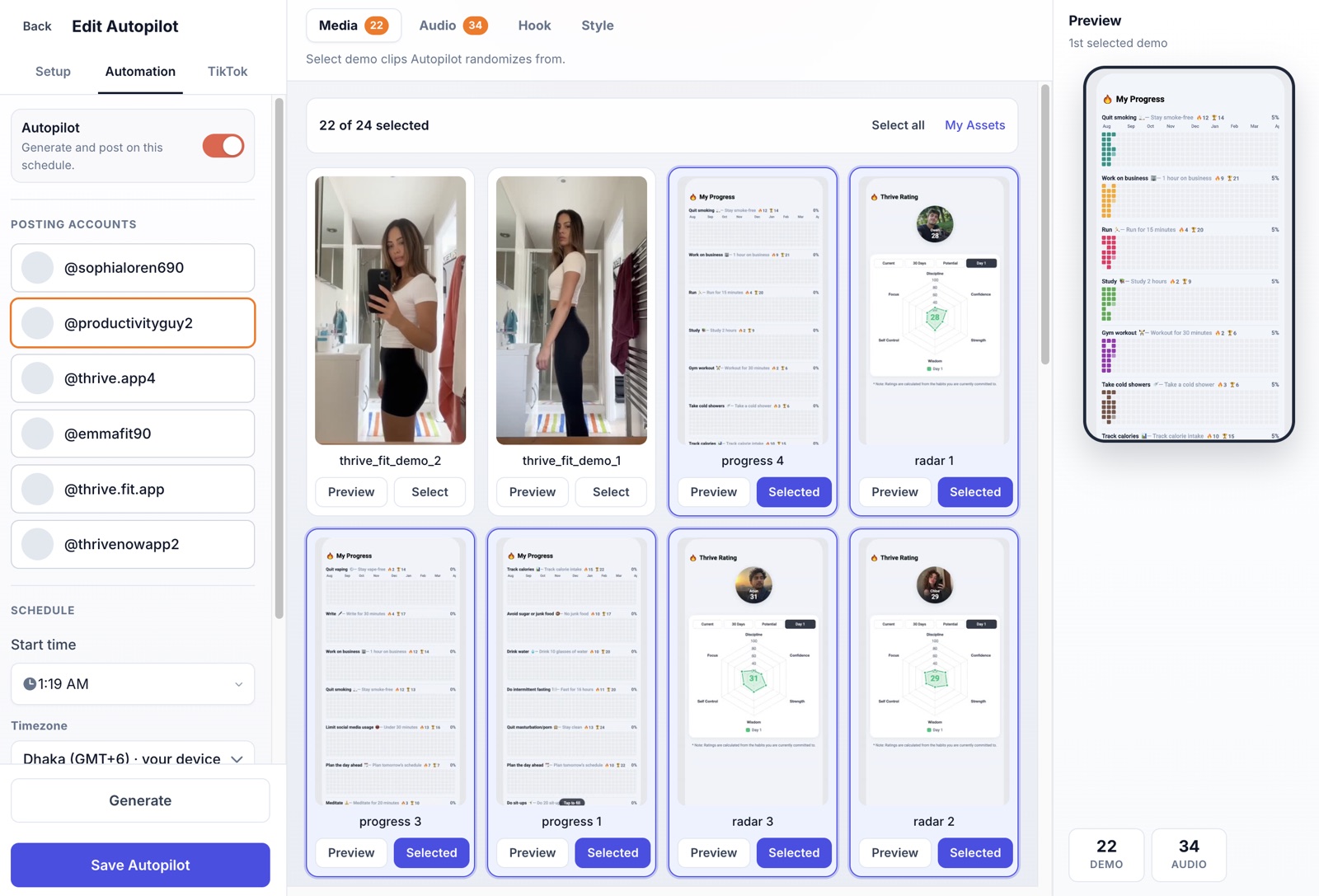
ClipsPilot Video Autopilot with posting accounts, schedule and selected demo clips

Video Autopilot

Fresh videos from the clips you already have

Upload your demo clips once and pick a format: Hook & Demo, Fade In/Out or Video + caption. Each run mixes a different clip, sound and AI-written hook into a new TikTok.

  • Built-in sounds, plus your own clips and audio
  • AI writes a new on-screen hook for every post
  • No filming or editing after setup
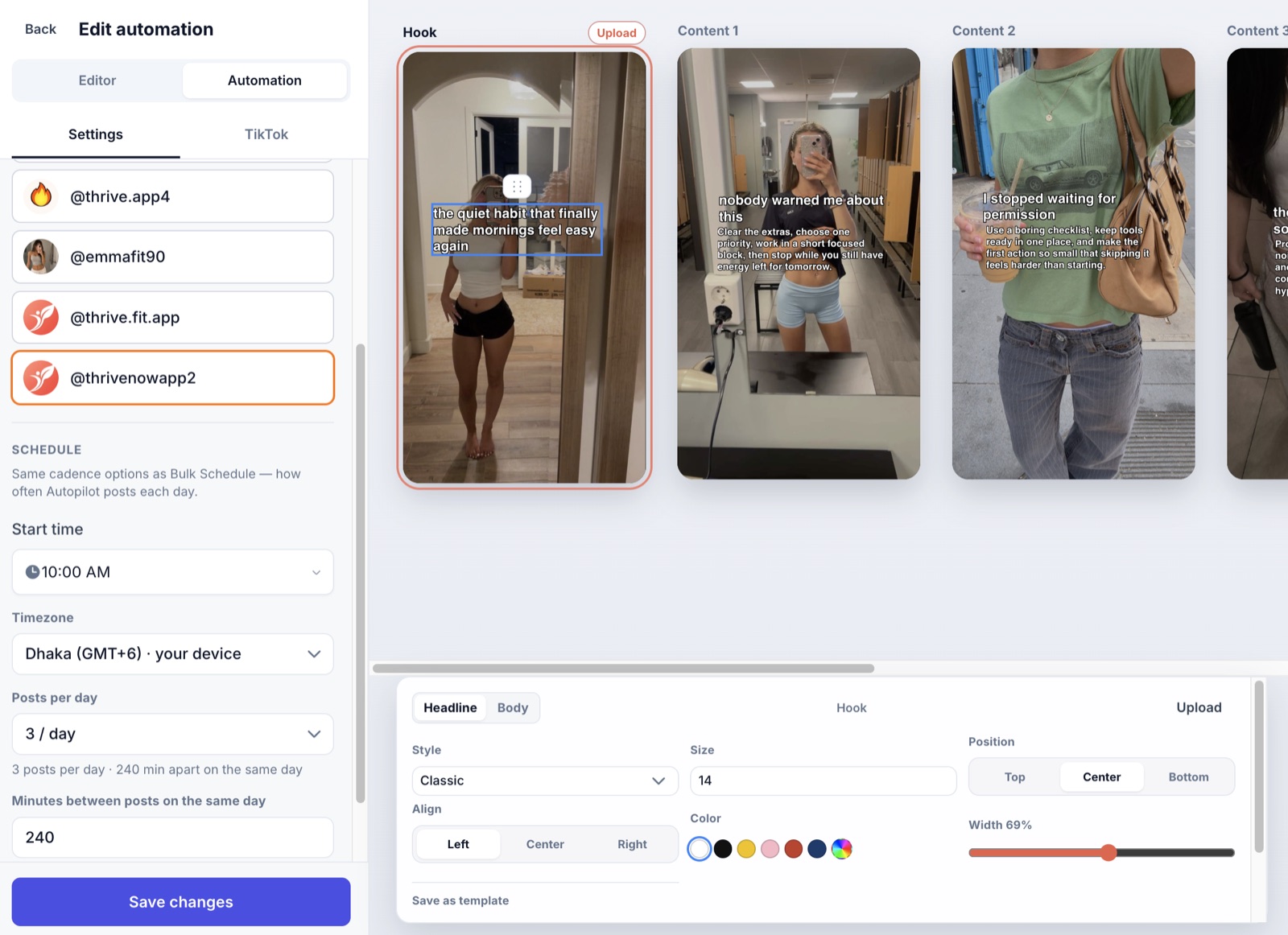
ClipsPilot Slideshow Autopilot editing hook and content slides

Slideshow Autopilot

Photo carousels written by AI

Give it a topic and a photo collection. AI writes the hook and tips, and ClipsPilot posts a native TikTok photo slideshow.

  • Hook, tip and call-to-action slides
  • Your text style on every slide
  • Mix videos and slideshows on one account
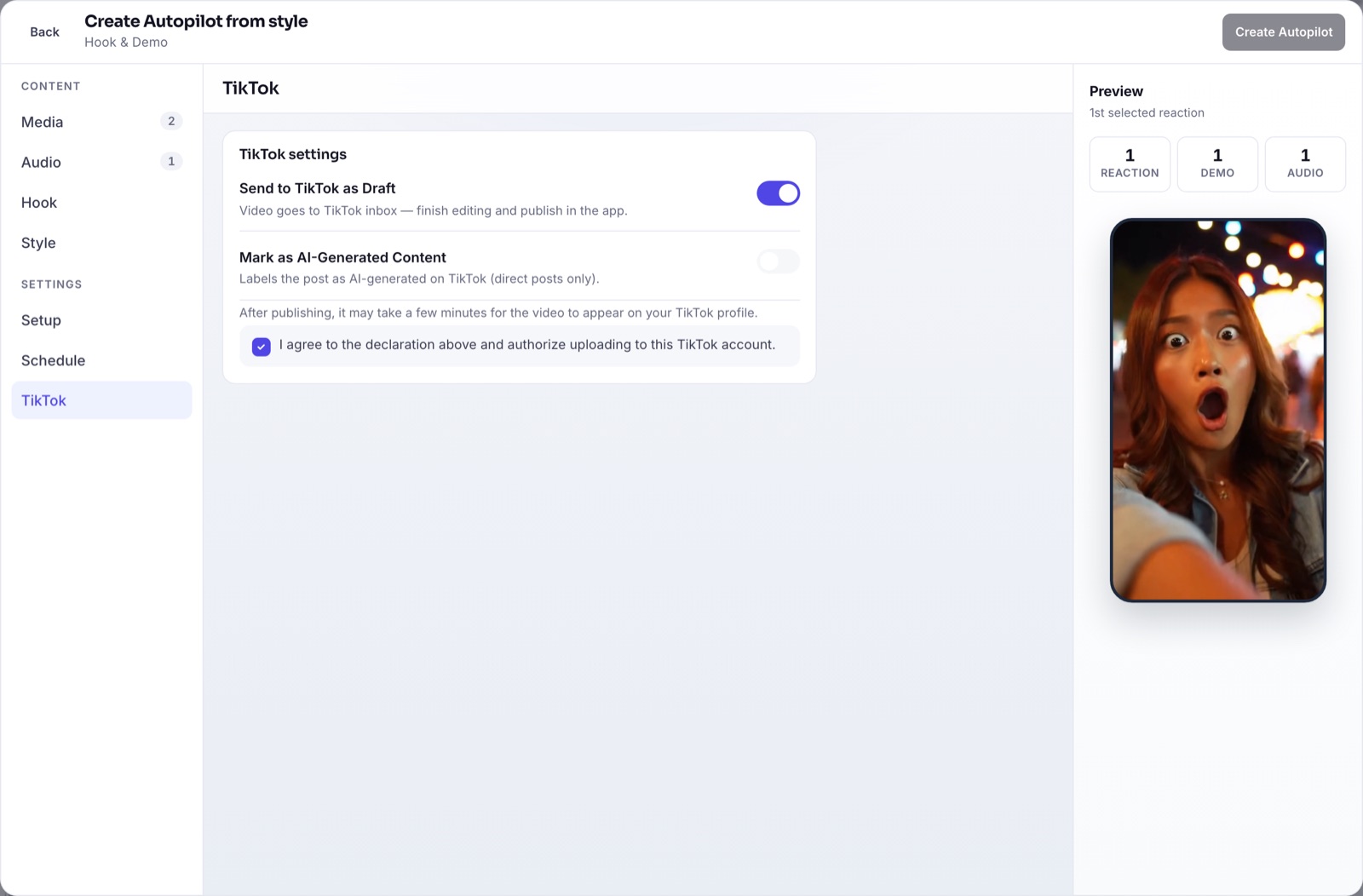
TikTok settings with Send to TikTok as Draft switched on

Control

Post live, or review in drafts first

Send posts straight to TikTok, or to your TikTok drafts while you check quality. Privacy, comments and commercial content disclosure follow TikTok’s own settings.

  • Official TikTok Content Posting API
  • Drafts mode for the first week, then go live
  • Views, likes and comments in analytics

Set it up once

  1. Connect TikTok

    Sign in with TikTok through the official login. Add as many accounts as you run.

  2. Pick a format and add ingredients

    Choose a video or slideshow Autopilot, then add clips, photos, sounds and a hook direction.

  3. Set the schedule

    Choose posting times, days and timezone. Autopilot creates and posts every run.

Common questions

Is it safe to automate TikTok posting?

ClipsPilot posts through TikTok’s official Content Posting API and follows its privacy and disclosure settings. It doesn’t automate likes, follows or comments.

Won’t automated posts all look the same?

Each run picks a new combination of clip, sound and AI-written hook, or new slides and photos for slideshows. More clips and photos means more variety.

Can I run several TikTok accounts?

Yes. Every plan includes unlimited TikTok accounts, and one Autopilot can post to several of them.

How much does it cost?

Plans start at $19/month and include Autopilot videos, slideshows, scheduling and analytics. Every plan has a 7-day free trial.

Set it up once.
Post every day.

Start free trial