Automate TikTok Slideshows for Mobile App Marketing
Explore automated tools for posting TikTok slideshows tailored for mobile app marketing.
Understanding TikTok Slideshows for App Marketing
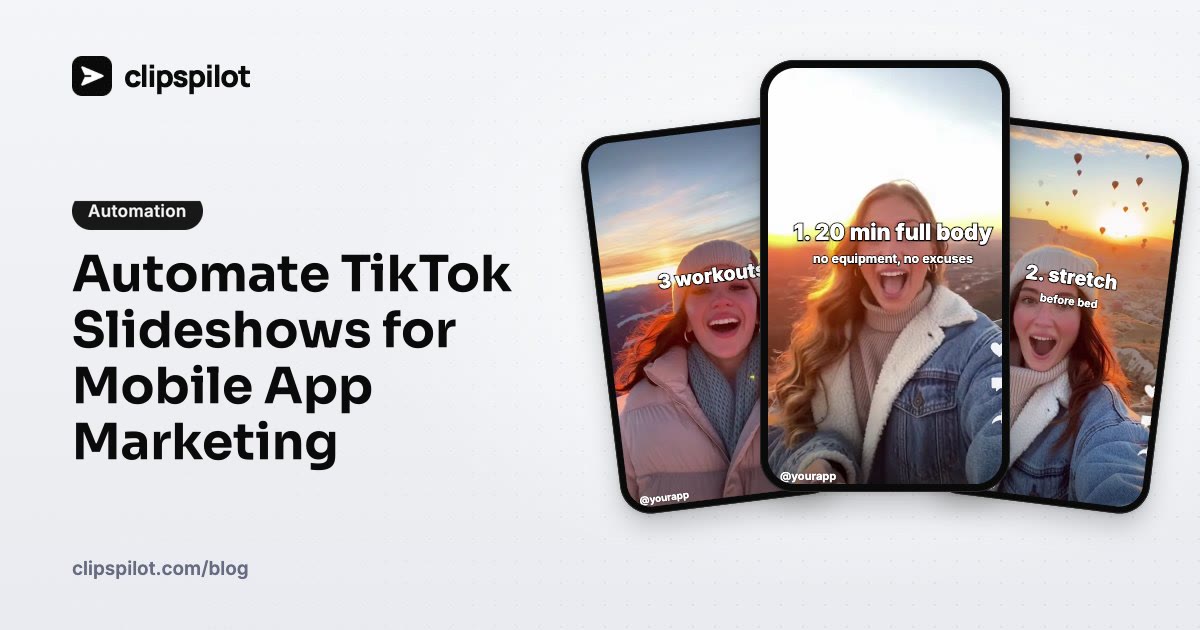
TikTok slideshows, also known as photo carousels, are swipeable sets of images enhanced with text. These posts are particularly effective for showcasing app features, tips, or user-generated content, making them ideal for marketing mobile applications. With their multi-image format, they cater to the audience's preference for quick and digestible content. By transforming app features into engaging slideshows, marketers can boost user interaction and retention.
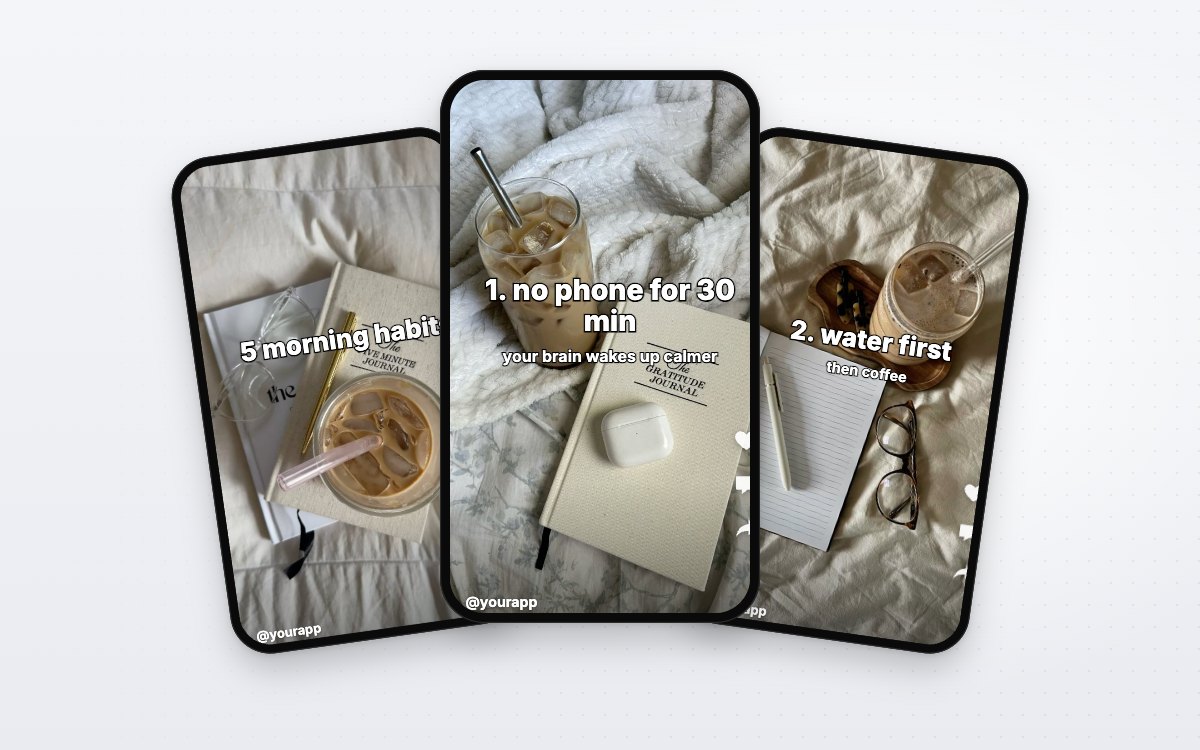
Slideshows capture attention quickly. In a fast-scrolling environment, they provide a readable snapshot of what users can expect from the app. Telling a story with images tends to keep people watching longer, especially on platforms like TikTok where creativity is rewarded.
Artificial intelligence plays a growing role in TikTok marketing, particularly in creating dynamic slideshow content. AI can automatically compile user-uploaded photos and generate text overlays, ensuring that content is both engaging and varied. This saves time while also allowing the marketer to focus on strategy and other creative aspects.
Sample Hook
"Swipe to discover how our app revolutionizes your daily routine!"
Setting Up Your ClipsPilot Autopilot for Slideshows
Getting started with ClipsPilot to automate your TikTok slideshows involves a few systematic steps:
Connect Your TikTok Account: Log in to ClipsPilot and link your TikTok profile. This is essential for posting your created content directly to your TikTok account.
Upload Photos or Let ClipsPilot Find Them: You can upload your own photos to ClipsPilot, or let it find photos that fit each topic for your slideshows.
Configure Autopilot Settings: Here are the key elements to adjust for your Autopilot:
- Timezone: Ensure your posting times align with your audience’s peak activity hours.
- Posting Frequency: Decide how often you want content to post (daily, bi-weekly, etc.).
- Hooks: Utilize AI-generated hooks that change with each posting cycle to maintain freshness and engagement.
Checklist for Setting Up Autopilot Settings
- Connect your TikTok account.
- Upload or link your photo collections.
- Set the timezone for scheduling.
- Choose posting frequency.
- Define your content hooks.
Creating Compelling Content with Slideshows
To maximize impact through your slideshows, follow these best practices:
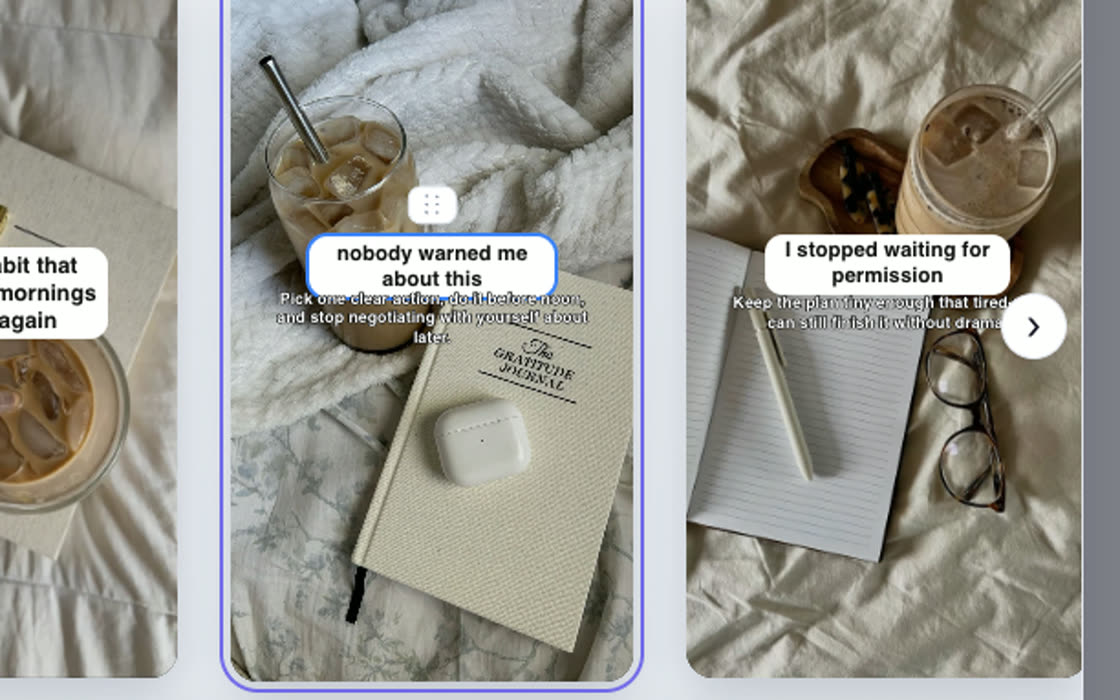
Photo Selection: Choose images that highlight the app’s key features or user experiences. Use bright, clear visuals that grab attention.
Structure for Clarity: Each slide should contain one main idea. Start with a hook, followed by informative content slides, and conclude with a call to action or soft mention of your app.
AI-Generated Captions: Enhance your slideshows by including captions written by AI. These should be short and impactful, providing viewers with valuable information without overcrowding the slide.
Example Caption
"Discover the top 5 features that make our app a game-changer!"
Scheduling Your Slideshows for Optimal Reach
Understanding when to post is crucial for engagement. Here’s how to effectively schedule your TikTok slideshows:
Best Posting Times: There's no universal best time. Start with a few spread-out times, such as morning, lunch and early evening in your audience's timezone, then check your TikTok analytics after two weeks and move toward the hours your followers are active.
Using ClipsPilot’s Content Calendar: Organize your slideshow posts using the content calendar feature in ClipsPilot. This will help you track submissions and avoid overlaps.
Quality Assurance Review: Before going live, review your slideshows in drafts to ensure every element is visually appealing and the text is readable.
Sample Posting Schedule
"To start: Tuesdays and Thursdays at 6 PM. After two weeks, adjust to what your analytics show."
Analyzing Engagement with Your Slideshows
Measuring the success of your TikTok posts will help refine your strategy:
Track Metrics: Focus on views, engagement rates (likes, shares, comments), and traffic to your app’s download link. These indicators will provide insight into performance.
Feedback Loops: Use engagement metrics to adjust future content. If certain types of posts lead to higher user interaction, create more of those.
Determining ROI: Establish a baseline for app downloads or sign-ups attributed to your TikTok efforts to further justify your strategies.
Worked Example
Illustrative: "Of the last 10 slideshows, 3 sent visitors who downloaded the app. Make more of those three topics and drop the weakest ones."
Scaling Your TikTok Marketing with Multiple Accounts
Benefits of Multiple Accounts: Running different TikTok accounts allows you to tailor content for various app features or target demographics.
Customized Content Creation: Use ClipsPilot to generate specific content tailored to each account’s audience. This way, you can explore diverse marketing strategies.
Cross-Promotion Strategies: Promote different accounts and their unique features to funnel traffic between them.
Scenario
Illustrative: two accounts, each focused on a different app feature, let you test twice as many angles. Compare their results after a month and keep the angle that brings more profile visits.
FAQ
What tools can automate TikTok slideshow posting?
ClipsPilot is a dedicated tool that allows the automation of TikTok slideshow content creation and posting.
How does ClipsPilot create engaging TikTok slideshows?
ClipsPilot automates slideshows by using AI to generate hooks and utilizing user-uploaded visuals for vibrant carousels.
What is the best time to post TikTok slideshows for app marketing?
There's no single best time. Start with morning, lunch and early evening in your audience's timezone, then use your TikTok analytics to see when your followers are active.
Can I preview my TikTok posts before they go live?
Yes, ClipsPilot allows you to send posts to TikTok drafts for a thorough preview and review before final publishing.
How many posts can I create per month with ClipsPilot?
Depending on the plan, you can create between 100 and 2000 posts each month, with various Autopilot configurations.
You can learn more about effective TikTok marketing in our article on How to Market Your App on TikTok which covers strategies and best practices for app promotion on TikTok.