TikTok Aggregator Guide for App Marketers
Learn what a TikTok aggregator is and how app marketers can collect TikTok signals, turn them into original demos, hooks and posts.
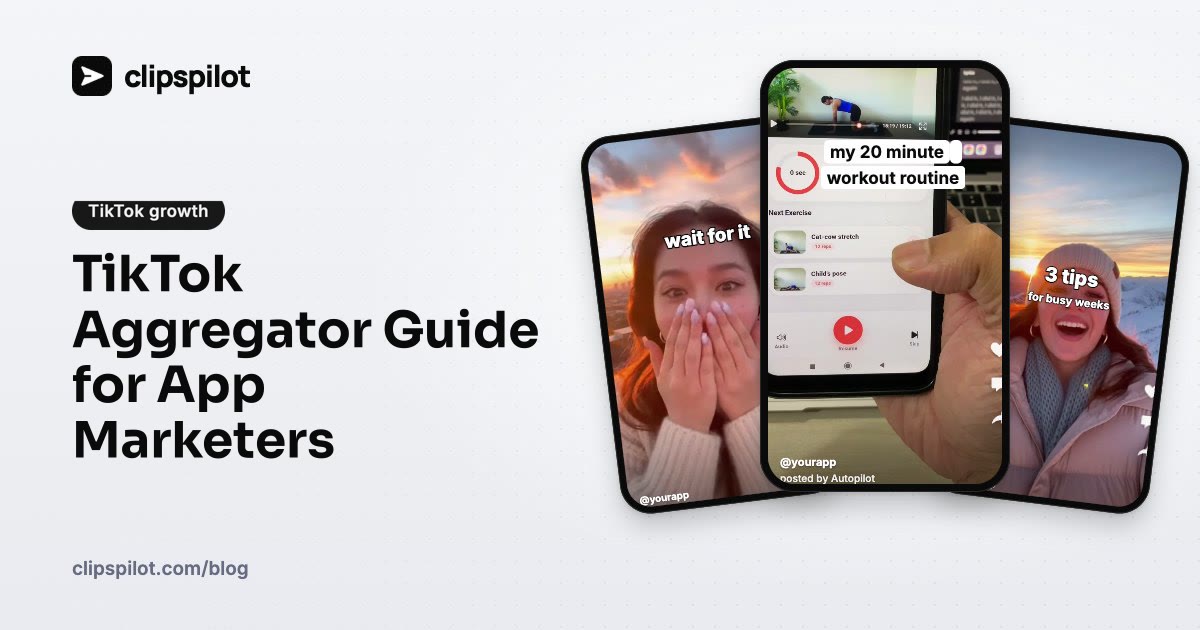
A TikTok aggregator can mean a feed that collects TikToks, a research system that collects market signals, or a workflow that turns many inputs into many posts. For app founders, the useful version is the second and third: aggregate signals, then create original TikToks from your own demos, screenshots and product use cases. Do not download other creators' videos and repost them as yours.
What a TikTok aggregator is — and what it should not be
There are three common meanings:
- Collected feed: a page or tool that gathers TikToks around a topic.
- Research system: a way to aggregate ideas, trends, questions, objections and language.
- Publishing workflow: a system that turns many inputs into many original posts.
App marketers should aggregate signals, not content. Safe inputs include TikTok search results, recurring pain points, app category trends, comments, customer language, common objections, screenshots, demos and product use cases. Unsafe aggregation is downloading a competitor's TikTok and reuploading it as if it is yours.
Use this guide to build an original TikTok content engine for your app.
| Idea | Decision |
|---|---|
| Repost a competitor's viral TikTok | Avoid |
| Collect the hook pattern: 'I wish I knew this before...' and apply it to your own app demo | Use |
| Save 20 comments asking for a feature and turn them into a demo video | Use |
| Compile customer objections into a slideshow carousel | Use |
Build a TikTok source map for your app category
Do this before making content. Define your niche, target user, problem phrases, competing solutions and TikTok search terms. Search intentionally instead of scrolling randomly.
Search by:
- User problem: how do I track subscriptions
- Desired result: stay consistent with workouts
- App category: budgeting app for couples
- Frustration language: my camera roll is a mess
Competitor accounts are research inputs only. Study repeated questions, objections, demo moments and wording. Do not copy exact videos.
Create 5–10 reusable source buckets so every idea has a place.
Example source map for a habit tracker app:
- TikTok searches: habit tracker app, how to stay consistent, ADHD routines, morning routine reset, why I quit Notion
- Comment buckets: too complicated, forgot after 3 days, need reminders, want streaks, hate boring charts
- Content buckets: pain, demo, before/after, myth, listicle, objection
Turn aggregated TikTok signals into app content angles
Use this mapping:
Raw signal → user pain → app feature → TikTok angle → format
One interesting post is a weak signal. Repeated comments, repeated searches and repeated objections are stronger. Prioritize angles you can show visually inside the app. TikTok works better when the viewer sees the product solve the problem.
Aggregation also creates variety. The same feature can become a problem hook, result hook, contrarian hook, listicle or demo walkthrough. The final post should use your own screen recording, screenshots or photos.
Worked example for a budgeting app:
From 50 saved TikToks/comments:
- 18 mention subscriptions
- 12 mention couples fighting over money
- 9 mention forgotten free trials
- 6 mention spreadsheets are annoying
- 5 mention cash stuffing
Chosen angles:
- You are probably paying for 3 subscriptions you forgot about
- The 30-second couples budget check-in
- Stop using a spreadsheet for this one budget task
Sample hook: If your budget only fails at the end of the month, this screen is the reason.
Choose the right TikTok format for each aggregated idea
Match the idea to the format. Do not force every signal into the same post type.
Use slideshow carousels for listicles, mistakes, comparisons, myths, checklists and things-I-wish-I-knew content. See the structure in TikTok photo slideshows.
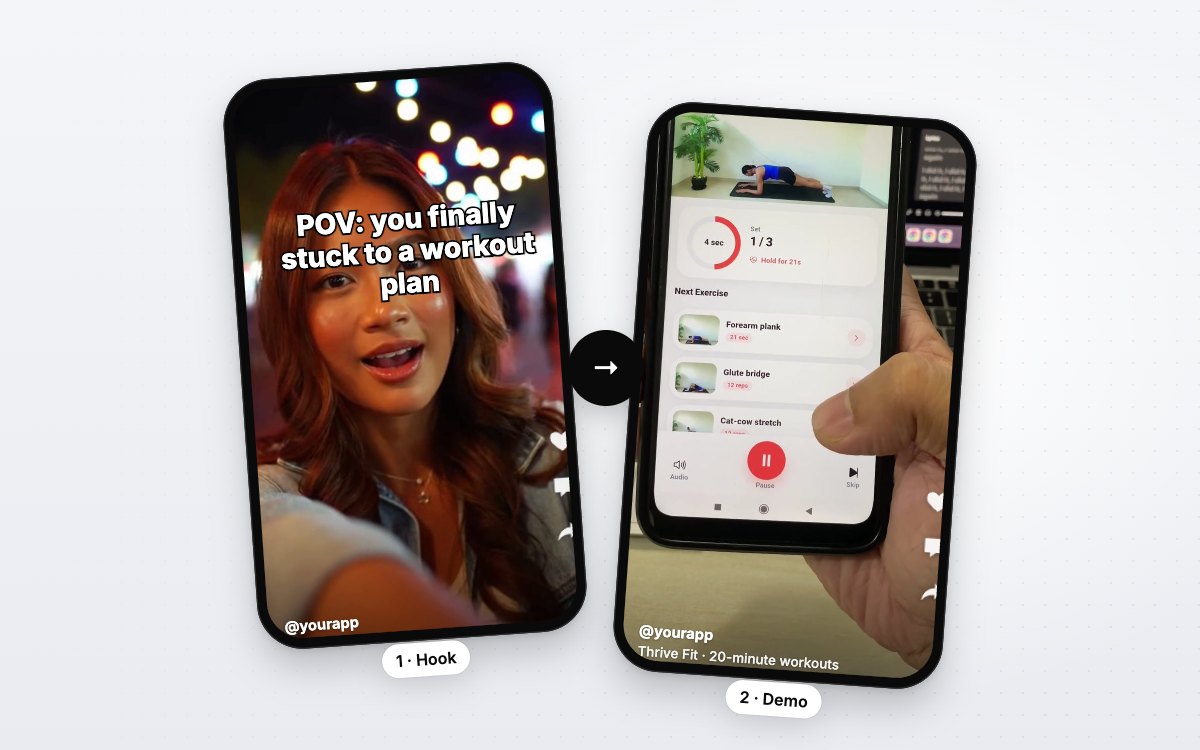
Use hook plus demo videos when the signal points to a product action the viewer can see. See the full format in Hook & Demo videos.
Use a hook banner or caption-over-demo when the idea is simple and the demo can carry the explanation.
For ClipsPilot specifically, users can create TikTok-only Autopilots for Slideshow Autopilot, Hook & Demo, Fade In/Out and Video + caption. Each Autopilot has a hook direction, schedule and connected TikTok accounts.
Format mapping for a language learning app:
- Signal: I forget words after lessons → Hook & Demo. Hook text: You do not need another lesson. You need this 20-second review loop. Demo: open app, show missed words, tap review, complete quiz.
- Signal: People want quick travel phrases → Slideshow: 7 phrases to learn before your first day in Paris.
- Signal: Users think the app is only for beginners → Fade In/Out banner: Already intermediate? Start here instead. over an advanced practice demo.
Create an aggregation-to-post workflow without making repetitive TikToks
Run a weekly operating system:
- Collect signals.
- Tag by pain, persona and feature.
- Pick angles.
- Generate hooks.
- Produce posts.
- Review drafts.
- Publish or schedule.
Avoid sameness by rotating pain points, personas, app screens, hook types and formats. Send posts to drafts when the topic is sensitive, the claim is new or the app screen needs manual QA. Build a library of demo recordings and screenshots so you do not film from scratch every day.
ClipsPilot can send posts live or to TikTok drafts first. Generated posts are kept in a library with a content calendar and posts list.
Weekly workflow checklist:
- Monday: save 20 TikTok signals and tag them by pain/persona/feature.
- Tuesday: choose 6 angles and write 12 hooks.
- Wednesday: record or upload 3 demo clips and 10 screenshots.
- Thursday: generate 6 TikToks across 3 formats.
- Friday: review drafts for text readability, product accuracy and repetition.
- Saturday/Sunday: post or schedule.
QA checklist: hook is readable in the first second; app screen is visible; caption matches demo; no copied creator footage; CTA is soft, such as try it from the link in bio only when relevant.
Use a TikTok aggregator workflow across multiple app accounts without looking like spam
Multiple TikTok accounts can make sense for separate apps, user segments, languages or positioning tests. The mistake is posting the exact same video across every account at the same time.
Vary the same signal by persona: founder, student, parent, freelancer, fitness user, creator or team lead. Use different hooks, captions, screenshots and demo paths even when the feature is the same. ClipsPilot supports running several TikTok accounts, with each Autopilot connected to selected TikTok accounts.
Illustrative 2-account plan for a meal planning app:
- Account A: busy parents
- Account B: fitness meal prep
- Same feature: weekly meal plan
- Parent hook: If dinner becomes a decision at 5:47pm, make this list once.
- Fitness hook: Your protein target is easier when the week is already mapped.
- Parent caption: A calmer week starts with fewer dinner decisions.
- Fitness caption: Plan meals around macros without rebuilding the same list every Sunday.
- Posting rule: never publish the same creative to both accounts; reuse the insight, not the asset.
Measure whether your TikTok aggregation system is producing useful app marketing
Track content by source bucket, not only by individual post. Useful buckets include problem searches, competitor comments, customer objections, app feature demos and trend-adapted hooks.
For apps, measure profile views, link clicks, installs, signups, activated users and comments that reveal buying intent. Early TikTok indicators include first-second retention, rewatches, saves, shares, comments asking what app is this? and profile visits.
Judge angle quality, not only views. A smaller post that drives installs can beat a broad viral post. For more on the download path, read how to get app downloads from TikTok without ads.
Illustrative scorecard:
| Post | Bucket | Views | Profile views | Link clicks | Installs | Decision |
|---|---|---|---|---|---|---|
| A | Subscription pain | 4,000 | 220 | 40 | 12 | Make more |
| B | Generic productivity | 18,000 | 90 | 8 | 1 | Do not copy |
Decision: make 5 more subscription-specific demos, not 5 more generic productivity posts.
Tracking columns: date, source bucket, hook, format, demo screen, views, profile views, link clicks, installs, comments with purchase intent, next variation.
Tool stack: manual TikTok aggregation versus an autopilot workflow
Start simple. Use a spreadsheet or Notion table for saved ideas. Use TikTok drafts for manual review. Add scheduling when consistency gets hard. Add creation automation when producing new posts becomes the bottleneck.
You may not need a paid tool if you post once per week or are still validating the category. A TikTok-only automation workflow helps when you manage multiple accounts, post daily, test many hooks, create repeated demo variations, make carousels and need drafts before publishing.
ClipsPilot is one option for app founders and marketers. It creates and posts TikTok content only, with a content calendar, posts list, bulk scheduling, generated library, drafts option and Autopilots. Plan fit: Pro is $19 for 100 posts/month and 5 Autopilots; Growth is $39 for 300 posts/month and 20 Autopilots; Scale is $79 for 750 posts/month and 50 Autopilots; Agency is $149 monthly or $1,490/year for 2,000 posts/month and unlimited Autopilots. See TikTok automation or pricing.
Buyer checklist:
- If you have fewer than 10 ideas and no demo recording, use manual research first.
- If you have 30+ tagged signals and 5 reusable demo clips, start batching posts.
- If you need daily TikToks for one app, test a 100-post/month workflow.
- If you manage several TikTok accounts or app segments, use separate Autopilots by account, format and hook direction.
- Free artifact: use the no-signup TikTok hook generator to turn aggregated signals into hooks.
FAQ
What is a TikTok aggregator?
A TikTok aggregator is a system that collects TikTok content, trends, comments or ideas. For app marketers, the best version collects market signals and turns them into original app demos, hooks, slideshows and captions.
Is it legal to repost TikTok videos from other creators?
Do not reupload other creators' videos as your own. Even when a clip is easy to download, that does not make it safe or ethical to repost. Use the pattern or user insight, then create your own asset.
How do I aggregate TikTok trends for an app without copying competitors?
Track repeated questions, objections, pain points and hook patterns. Then apply those signals to your own screen recordings, screenshots and product workflows.
What should app founders track when researching TikTok content ideas?
Track the source bucket, user pain, persona, feature, hook, format and result. Also save comments that show buying intent, such as people asking what app it is or whether it works for their use case.
Can I use one TikTok aggregation workflow for multiple app accounts?
Yes, if each account has a clear audience or positioning. Reuse the insight, but change the creative, hook, caption, screenshots and demo path for each account.