How to Market Your App on TikTok: A Founder's Playbook
A practical TikTok plan for app founders: which formats work, how much to post, how to write hooks, and how to keep it going without filming every day.
TikTok is one of the few places where a brand-new app with zero followers can reach thousands of people on its first post. The feed doesn't care who you are; it shows videos to small groups of viewers and pushes the ones they watch to the end. That makes it unusually friendly to small teams, as long as you post often and test a lot of ideas.
This guide is the plan we'd follow if we were launching an app on TikTok from scratch today.
Decide what TikTok is for
Before you post anything, pick one job for the channel. For most apps it's one of these:
- Installs. You want people to search for the app or tap the link in your bio.
- Waitlist sign-ups. You're pre-launch and want an audience ready on day one.
- Problem validation. You want to see which pain points get the strongest reaction before you build more.
The job changes what you measure. If it's installs, track app store traffic from TikTok, not just views. A video with 3,000 views that sends 40 installs beats one with 50,000 views that sends none.
Show the problem, then the product
People don't follow apps on TikTok. They follow problems they recognise and solutions that look easy. The most reliable structure for app content is:
- Hook: name a problem or an outcome in the first second.
- Proof: show the app solving it, on a real screen.
- Payoff: what life looks like after.
This is why short screen recordings of your app do so well. They're honest, they're fast to make, and viewers can see exactly what they'd get.
The formats that work for apps
You don't need a dozen formats. Three cover most of what an app needs.
Hook & Demo
A two-part video: a reaction clip with an on-screen hook ("POV: you finally stuck to a habit for 30 days"), then a cut to your app demo. The reaction carries the emotion; the demo carries the proof. We wrote a full breakdown in Hook & Demo videos: the TikTok format that sells apps.
Photo slideshows
TikTok's photo carousels are swipeable images with text on each slide. Listicles ("5 habits that made my mornings easier") are the natural fit: each slide is one tip, and the last slide can mention your app. See TikTok photo slideshows: how to make carousels that get views.
Demo with a caption
Your screen recording with a single caption and a trending sound. It's the simplest format and the easiest to make in volume.
Volume beats perfection
The single biggest mistake founders make on TikTok is spending a week on one video. Early on you don't know which hook, angle or format will land, and the only way to find out is to post many variations.
A realistic target is one to three posts a day per account for the first month. That sounds like a lot, but it's the volume that gives you enough data to see patterns. We go into the trade-offs in how often should you post on TikTok.
Write hooks like headlines
The first second decides whether anyone sees the rest. Good hooks are specific, not clever:
- "I deleted every app on my phone except these 3"
- "Nobody tells you this about building a morning routine"
- "POV: your screen time drops by half in a week"
Keep a running list of hooks and test several against the same demo. You'll find a list of hook ideas and the formulas behind them here.
Measure the right things
Check these weekly:
| Metric | What it tells you |
|---|---|
| Views per post | Whether your hooks stop the scroll |
| Average watch time | Whether the video keeps people after the hook |
| Profile visits | Whether people want more of you |
| Installs or sign-ups | Whether the channel is doing its job |
When a post does well, make five more like it with different hooks before you try something new.
Keep it running without burning out
The hard part isn't making one good TikTok. It's making two a day for three months. Batch your work: record a library of demo clips once, write hooks in bulk, and schedule posts ahead.
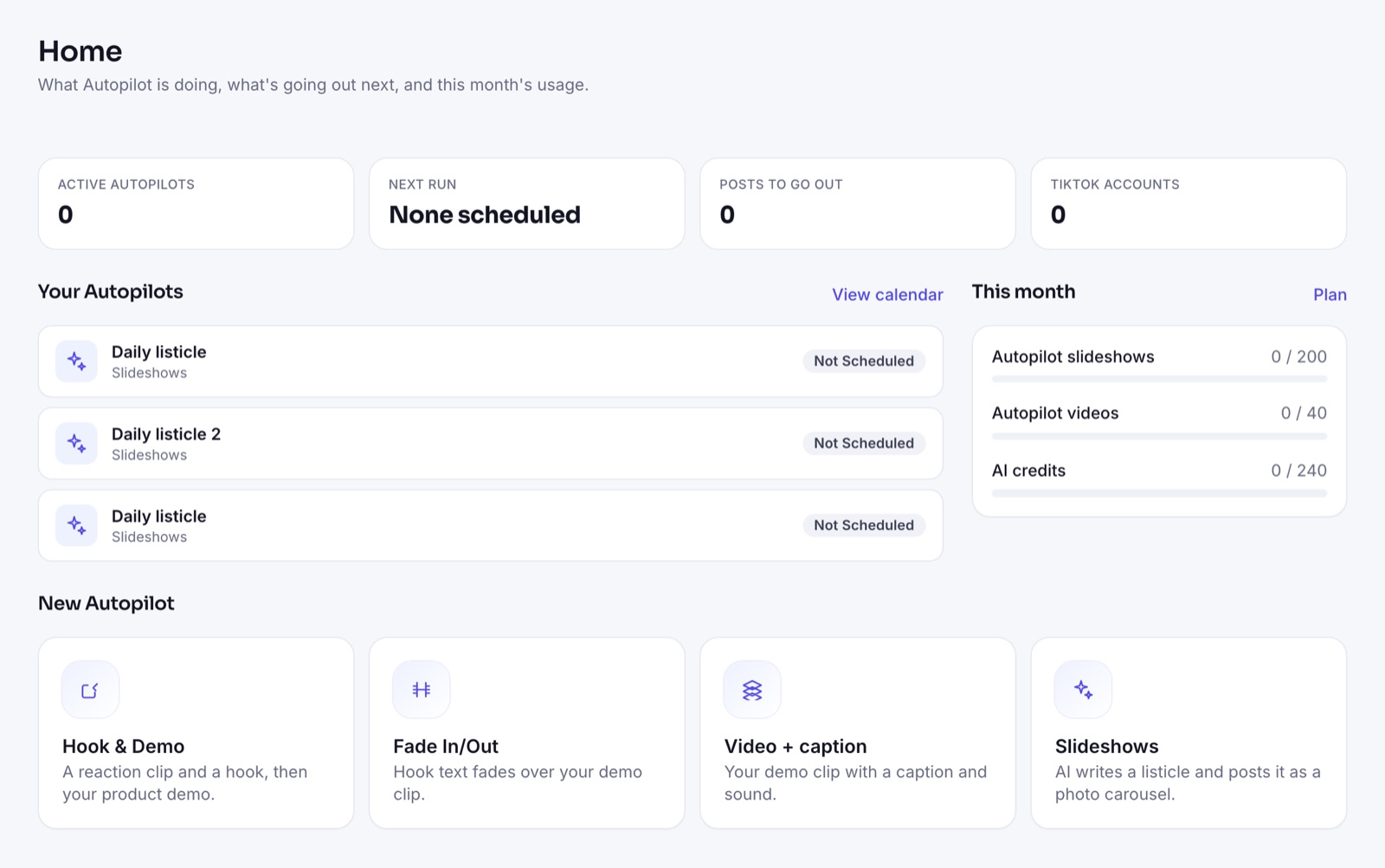
This is the problem ClipsPilot was built for. You upload your demo clips once, pick a format (Hook & Demo, Fade In/Out, Video + caption or photo slideshows), and Autopilot creates and posts a fresh variation on your schedule, with AI-written hooks and a different clip and sound each time. You can also send posts to TikTok drafts first if you want to review them.
FAQ
Is TikTok worth it for a small app?
Yes, if you can post consistently. TikTok shows new accounts' videos to real viewers from the first post, which makes it one of the cheapest ways to test messaging and get early users.
Should I show my face?
You don't have to. Many app accounts grow with screen recordings, reaction clips and slideshows. What matters more is a clear hook and a fast, honest demo.
How long until I see results?
Expect to post for several weeks before you know what works. Most accounts find their first breakout post after testing dozens of variations, not after the first few.