TikTok Post Scheduler for App Founders
Choose and run a TikTok post scheduler for app demos, hooks, drafts, multiple accounts, and weekly posting without manual busywork.
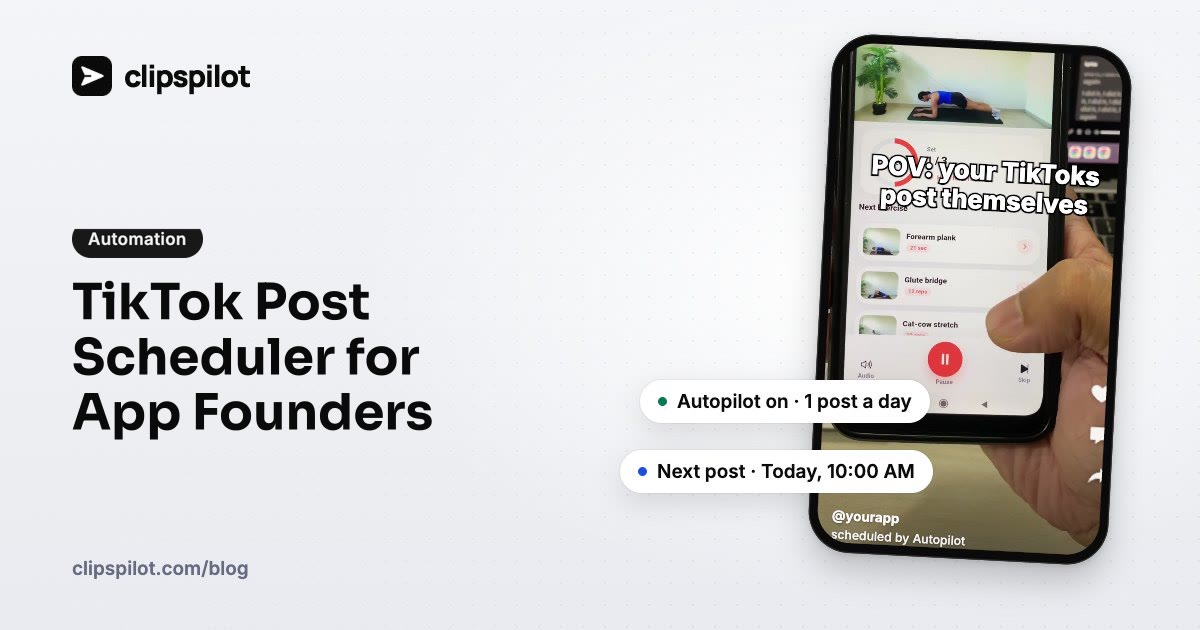
A TikTok post scheduler should help you plan, queue, review, and publish TikTok posts without rebuilding every video by hand. For app founders, the best setup connects product angles, demo clips, screenshots, hooks, captions, posting times, draft review, and TikTok accounts into one repeatable workflow.
If you only need to queue finished videos, a simple scheduler can work. If you need consistent app marketing content, look for a system that can also create TikTok-ready posts from your demos and screenshots.
What a TikTok post scheduler should do for app marketing
A TikTok post scheduler is more than a calendar. For app marketing, it should turn demo recordings, screenshots, hooks, captions, and posting times into a repeatable publishing system.
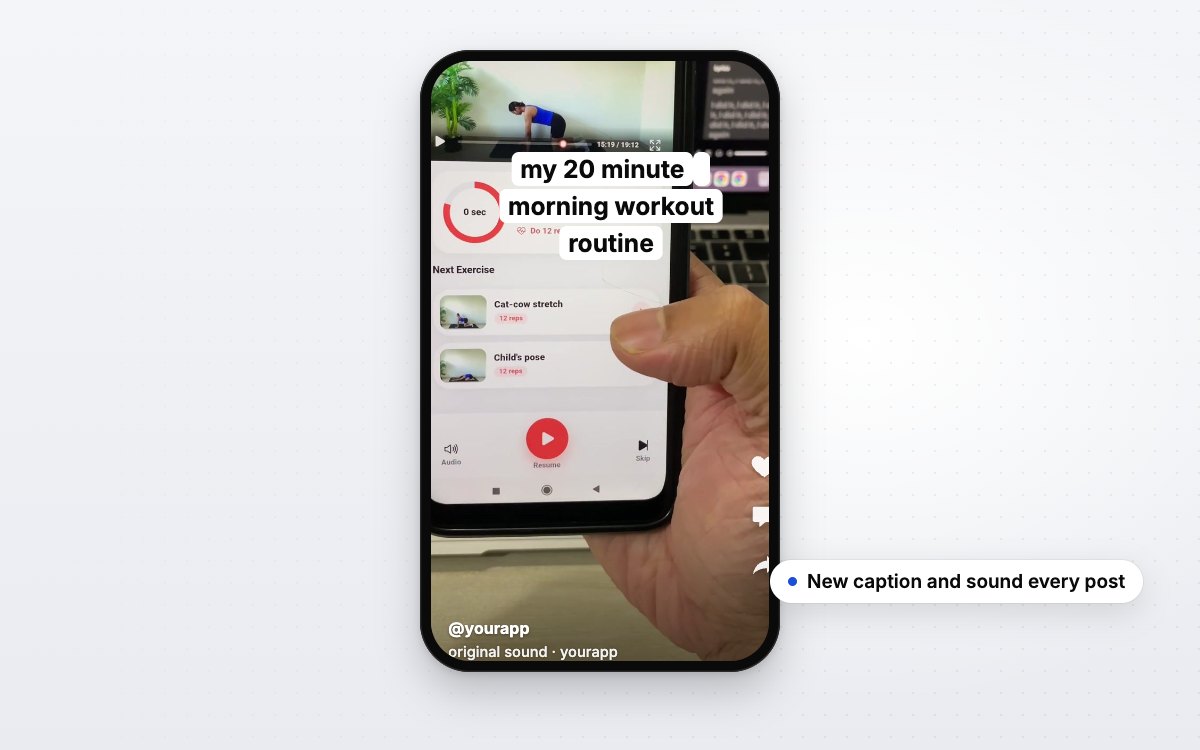
There are three levels:
- Reminder or calendar: tells you when to post, but you still make and upload everything manually.
- Finished-post scheduler: queues TikToks you already edited.
- Creation plus scheduling system: helps create TikTok-ready posts, then publishes them or sends them to drafts.
Apps need the third level more often than generic brands. You are not just announcing launches. You are testing hooks, feature angles, use cases, objections, onboarding moments, and proof points.
ClipsPilot is TikTok-only and creates and posts TikTok content for app founders and marketers. That makes it relevant when the job is not only scheduling, but also producing repeatable app posts.
Mini checklist: A good TikTok post scheduler for an app should answer:
- What feature or pain point is this post about?
- What hook is being tested?
- Which demo clip or screenshot set is used?
- Does it publish live or go to TikTok drafts first?
- Which TikTok account gets it?
- What day, time, and timezone is it scheduled for?
The app founder’s TikTok scheduling workflow: from demo clip to posted TikTok
Use this workflow:
- Choose one product angle.
- Pick a TikTok-native format.
- Generate or write hooks.
- Create the TikTok asset.
- Review it.
- Schedule it.
- Record performance notes.
Do not schedule generic brand posts just to fill slots. Use formats that feel native to TikTok: short hook plus demo, caption-over-demo, fade-in hook banner, and photo slideshow or carousel.
Send posts to drafts first when you are testing new positioning, making sensitive claims, showing unclear UI moments, entering a new app category, or publishing anything that needs founder review.
Direct publishing is reasonable when the format is proven, the hook direction is approved, the demo clip is reusable, and there are no sensitive claims.
Worked example: A budgeting app schedules 14 TikToks for one week. Monday, Wednesday, and Friday are Hook & Demo posts showing the app categorizing expenses. Tuesday and Thursday are slideshow posts using screenshots of budget templates. Saturday and Sunday are caption-over-demo posts with simple problem hooks. Illustrative split: 6 posts about saving money, 4 about tracking subscriptions, 4 about avoiding overspending.
Which TikTok formats should you schedule for an app?
App TikToks should usually show the product or the problem quickly. Scheduling empty awareness content is less useful than showing a real workflow, pain point, or outcome.
Four formats work well:
- Hook & Demo: a short hook, then the app solving the problem. Best for new problem angles. See the full breakdown of Hook & Demo videos.
- Fade In/Out: a hook banner above the demo that fades in or out. Best for simple UI walkthroughs.
- Video + caption: your demo clip with a caption over it. Best for fast production.
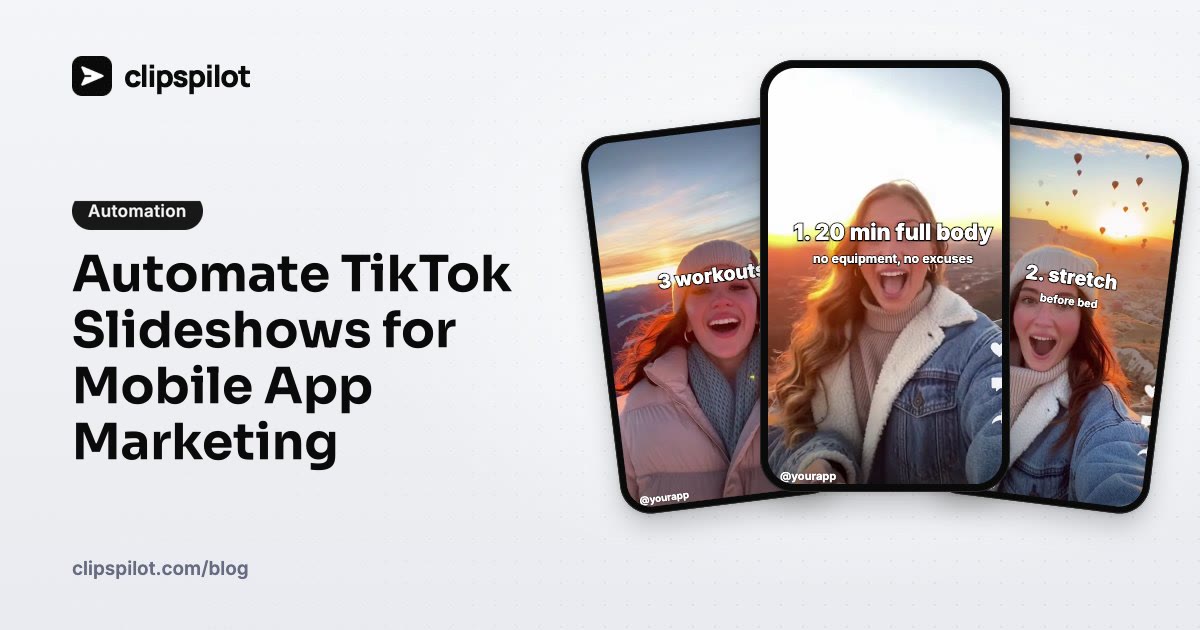
- Slideshow/listicle: a photo carousel with educational or list-style text. Best for use cases, mistakes, tips, and checklists. For structure, read TikTok photo slideshows.
ClipsPilot supports Slideshow Autopilot, Hook & Demo, Fade In/Out, and Video + caption for TikTok.
Format map: For a habit tracker app:
- Hook & Demo hook = “I stopped breaking my streaks when I changed this one screen”
- Fade In/Out banner = “The 10-second habit reset”
- Video + caption = “If your to-do list is too heavy, track the tiny version instead”
- Slideshow title = “5 habits that are easier when you track the smallest possible version.”
How to build a weekly TikTok posting schedule without burning out
Start with 1–2 TikToks per day if you can maintain quality. Increase only when the content system is repeatable. If every post still takes an hour, your schedule is too heavy.
Plan by angle, not just by time:
- Problem
- Feature
- Use case
- Objection
- Result
- Comparison
- Listicle
Recurring time slots make review and production predictable. This matters if posts go to drafts first, because you need a review rhythm before the post date.
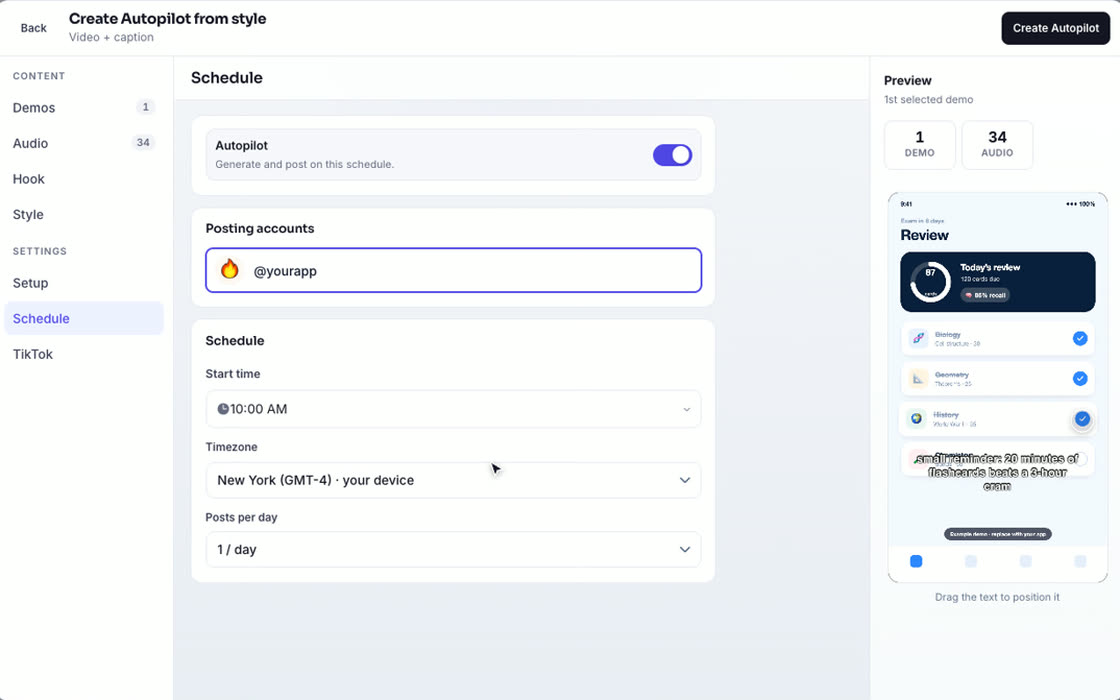
ClipsPilot Autopilots have schedules with times, days, timezone, and connected TikTok accounts.
Sample weekly schedule for an app founder:
- Monday 9:00 AM: problem hook + demo
- Monday 5:30 PM: slideshow listicle
- Tuesday 12:00 PM: feature demo
- Wednesday 9:00 AM: objection-handling demo
- Thursday 5:30 PM: use-case slideshow
- Friday 12:00 PM: result-focused hook + demo
- Saturday 10:00 AM: casual caption-over-demo
- Sunday 6:00 PM: recap/listicle
Timezone: founder’s target market timezone, for example America/New_York.
How to schedule hook tests for TikTok app growth
A scheduler should help you test multiple hook directions against the same app demo. The opening line often changes performance more than the UI recording underneath.
Isolate variables:
- Use the same demo clip with 3–5 different hooks.
- Or use the same hook formula across 3 different features.
Label scheduled posts by hook type: pain, curiosity, result, contrarian, POV, or list. This makes weekly review easier.
Each ClipsPilot Autopilot has a hook direction, and AI writes new hooks each run. There is also a free TikTok hook generator at /tiktok-hook-generator with no signup.
Hook test set for a calendar app using the same demo recording:
- Pain hook: “Your calendar is full, but your day still feels random.”
- Curiosity hook: “This is the calendar view I wish I had years ago.”
- Result hook: “I planned my week in 4 minutes with this setup.”
- Contrarian hook: “Stop making longer to-do lists. Block the decision instead.”
- POV hook: “POV: your calendar finally shows what actually matters today.”
Draft review vs auto-publish: when each mode makes sense
The best scheduling setup is not always full auto-publishing. App founders may need review for claims, UI clarity, launch timing, or visible user data.
Use drafts first for:
- New hook directions
- The first week of a campaign
- New app screenshots
- Pricing claims
- Health, finance, or productivity claims
- Anything with user data visible
Auto-publish can fit evergreen feature demos, approved slideshow templates, repeated educational angles, and content already reviewed in a previous batch.
ClipsPilot posts can go live or be sent to TikTok drafts for review first.
Review checklist before a scheduled TikTok goes live:
- Is the app screen readable on a phone?
- Does the hook match what the demo actually shows?
- Are any private names, emails, transactions, or customer details visible?
- Is the claim safe and specific?
- Does the caption tell viewers what the app helps them do?
- Is the post assigned to the right TikTok account?
What to look for in a TikTok post scheduler if you manage multiple apps or accounts
Multi-account scheduling matters when you run separate TikTok accounts for different apps, markets, languages, personas, or experiments.
Do not mix schedules and assets across accounts. Each account should have its own content angle, cadence, and review rules. A finance app account may need drafts for every post. A casual habit app account may publish approved formats directly.
Organize your system around:
- Accounts
- Autopilots
- Calendars
- Posts
- Generated assets
ClipsPilot users can run several TikTok accounts. It includes a content calendar, posts list, bulk scheduling, and a library of everything generated.
Multi-account example with illustrative numbers: An agency runs 3 TikTok accounts: Account A for a fitness app posts 2/day, Account B for a notes app posts 1/day, Account C for a finance app posts 1/day with drafts required. Weekly total = 28 scheduled posts. Review load = 7 finance drafts plus spot checks on the other 21 posts.
How ClipsPilot fits as a TikTok post scheduler for app founders
ClipsPilot’s TikTok scheduler is for TikTok only. It creates and posts TikTok content for app founders and marketers.
The core model is Autopilots. You set up an Autopilot with a format, hook direction, schedule, timezone, days, times, and connected TikTok accounts.
Supported creation formats:
- Slideshow Autopilot
- Hook & Demo
- Fade In/Out
- Video + caption
Plans are monthly, with a shared pool of slideshow and video posts:
- Pro: $19 for 100 posts/month and 5 Autopilots
- Growth: $39 for 300 posts/month and 20 Autopilots
- Scale: $79 for 750 posts/month and 50 Autopilots
- Agency: $149/month or $1,490/year for 2,000 posts/month and unlimited Autopilots
Example ClipsPilot setup for a SaaS app:
- Autopilot 1 = Hook & Demo, hook direction “save time on reporting,” Monday/Wednesday/Friday at 9:00 AM, publish to main TikTok.
- Autopilot 2 = Slideshow, hook direction “mistakes teams make with reporting,” Tuesday/Thursday at 5:00 PM, send to drafts first.
- Autopilot 3 = Video + caption, hook direction “quick product tip,” Saturday/Sunday at 11:00 AM, publish live.
FAQ
What is the best TikTok post scheduler for app founders?
The best TikTok post scheduler for app founders is one that handles more than dates. It should connect app angles, demo clips, hooks, captions, draft review, accounts, and posting times.
Can you schedule TikTok posts in advance?
Yes. You can schedule TikTok posts in advance with a scheduler. For app marketing, batch your demos, hooks, and slideshow ideas first, then spread them across the week.
Should scheduled TikToks go live automatically or to drafts first?
Use drafts first for new positioning, sensitive claims, pricing, health or finance content, unclear UI, and user data. Use auto-publish for approved evergreen formats.
How many TikToks should an app founder schedule per week?
A practical starting point is 7–14 TikToks per week, or 1–2 per day, if quality stays steady. Increase only when your production system is repeatable.
Does ClipsPilot create TikToks as well as schedule them?
Yes. ClipsPilot creates and posts TikTok content for app founders and marketers. It supports slideshows, Hook & Demo, Fade In/Out, and Video + caption formats.