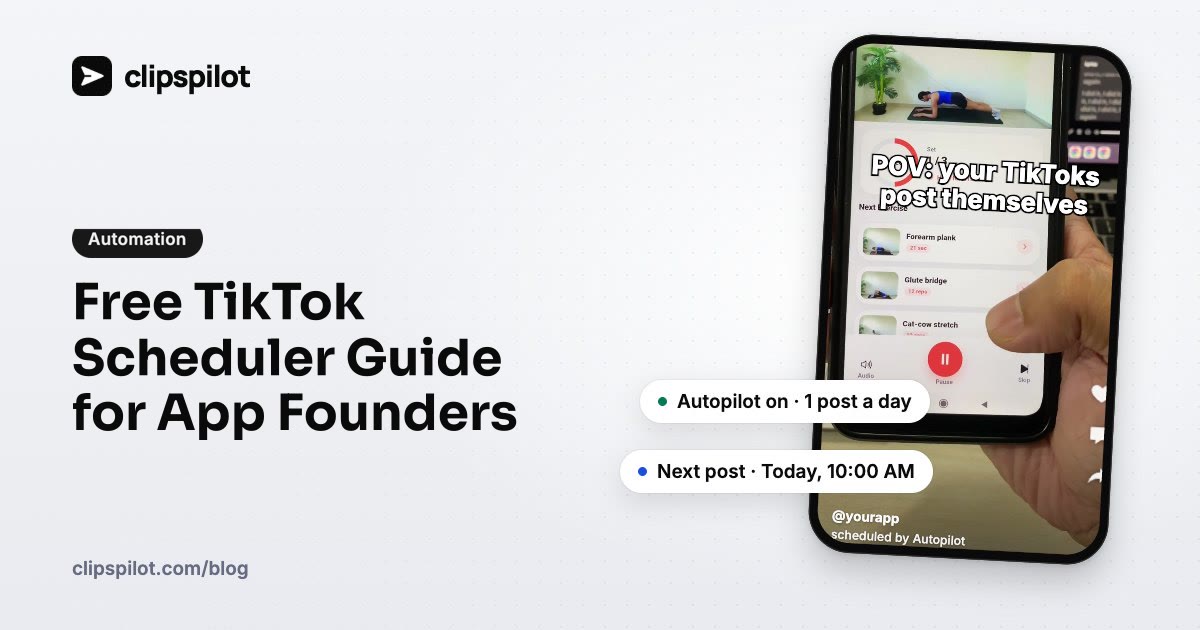
Free TikTok Scheduler Guide for App Founders
Use TikTok's free scheduling and drafts workflow, then upgrade only when content creation becomes the bottleneck.
If you only need a few app TikToks per week, start with TikTok's own scheduling and drafts workflow before paying for anything. A free TikTok scheduler can help you publish consistently, but it will not write hooks, create demo variations, or decide which app angle drives installs.
The real question is not just “Can I schedule this for free?” It is “Can I create enough good TikToks to keep the schedule full?”
The short answer: the best free TikTok scheduler depends on how many app posts you need
For one app, one TikTok account, and a few posts per week, use TikTok's native scheduling or drafts plus a simple spreadsheet. That is enough to test hooks, app demos, captions, and posting times without adding another tool.
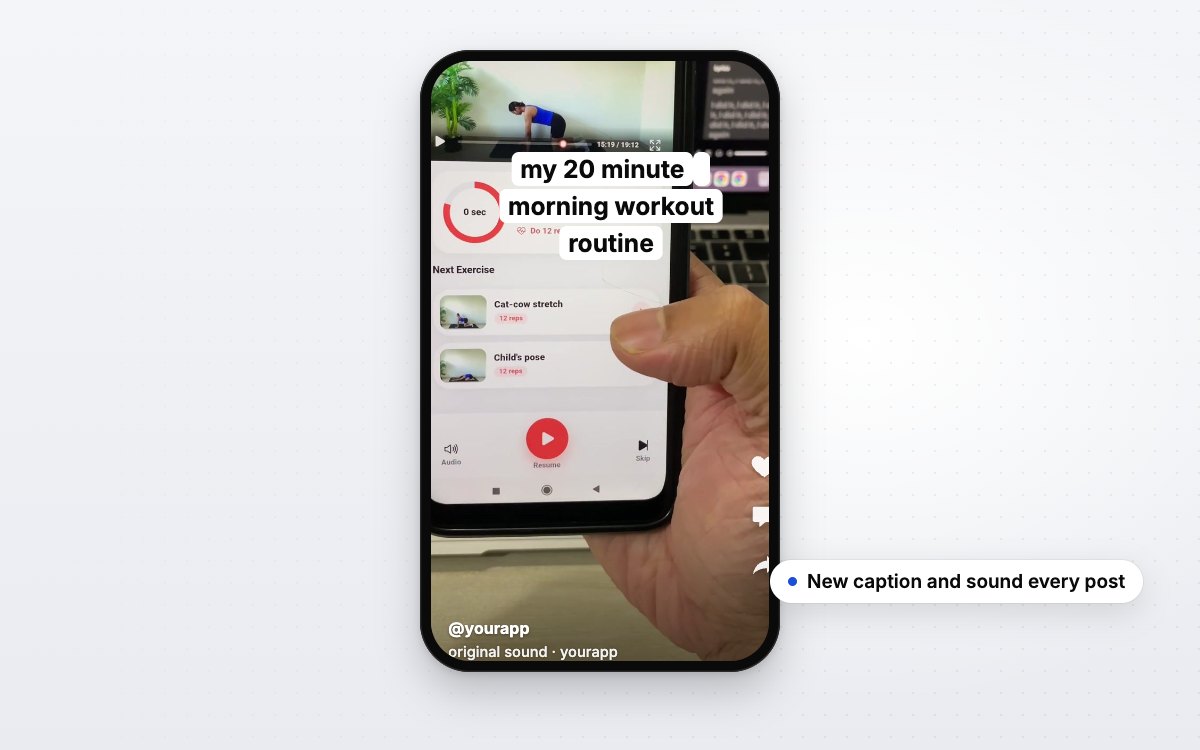
A scheduler is not a TikTok growth system. Scheduling handles timing. App marketing still needs hooks, demo clips, readable on-screen text, captions, review, product positioning, and enough volume to learn what works.
Free is best when you are testing one app at a manageable cadence. Paid starts to make sense when you need higher volume, multiple TikTok accounts, bulk scheduling, draft workflows, or AI-assisted content creation.
ClipsPilot is not positioned as a free TikTok scheduler. It creates and posts TikTok content for app founders and marketers. Its free no-signup tool is the /tiktok-hook-generator, which helps with hook ideas.
| Posting need | Best free or paid fit |
|---|---|
| 3 posts/week for one app | Use TikTok native scheduling plus a spreadsheet. |
| 1 post/day | Free workflow can work if you batch record app demos weekly. |
| 3 posts/day across 2 app accounts | Scheduling is no longer the hard part. Use a creation-and-posting system such as ClipsPilot. |
What a free TikTok scheduler can and cannot do for app marketing
The core job of a free scheduler is simple: choose a date and time, queue posts, reduce manual posting, and help you stay consistent.
That is useful. But app founders still have to do the high-leverage work manually:
- Write fresh hooks.
- Create demo variations.
- Add readable on-screen text.
- Adapt captions for each user pain.
- Review drafts before they go live.
- Track which product angle creates installs, trials, or signups.
TikTok also has its own constraints. The content has to feel native. The hook needs to land quickly. The demo should show the app result, not only a slow tour of the interface.
Use this checklist when evaluating any free TikTok scheduler:
- Can it schedule TikTok posts?
- Can it send posts to drafts for review?
- Can it handle multiple TikTok accounts?
- Can it preview the caption and video?
- Can it bulk schedule?
- Does it create TikTok content or only publish finished videos?
- Does it support the weekly posting volume you want?
Free schedulers help you publish. They do not automatically solve creative fatigue or unclear app positioning.
Free workflow option 1: use TikTok's native scheduler for finished app videos
Native scheduling is enough when you are early, have one app, use one account, and only need a few finished videos each week.
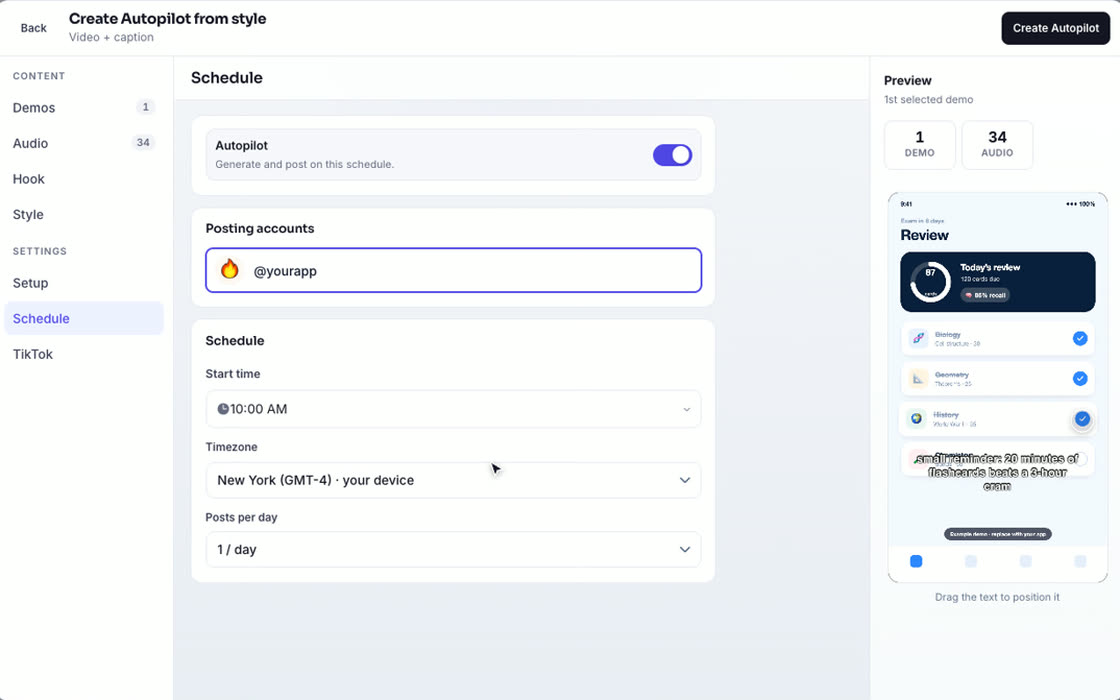
A practical workflow:
- Record one short vertical demo clip.
- Create three hook variations for the same demo.
- Schedule them on separate days.
- Compare profile visits, link clicks, install clicks, or trial starts.
Build posts around app outcomes, not generic feature tours. “Split rent with roommates in 20 seconds” is stronger than “Here is our payments screen.” If you need more structure, read the Hook & Demo video guide.
Worked example: habit tracker app
Demo clip: a 12-second screen recording of checking off habits.
- Post 1 hook: “I stopped forgetting my habits when I made them this small.” Caption: “Tiny habit streaks > complicated routines. Built this for people who quit habit apps after 3 days.”
- Post 2 hook: “If your habit tracker makes you feel guilty, try this instead.”
- Post 3 hook: “This is the 10-second habit reset I use every night.”
Schedule:
- Monday 9:00 AM
- Wednesday 12:30 PM
- Friday 6:00 PM
Those times are illustrative. Adjust based on your account's results.
Free workflow option 2: use TikTok drafts as a review queue
Drafts are useful when you want to check the hook, demo, caption, and product claim before anything goes live.
Draft review matters more if your app shows onboarding flows, pricing screens, health claims, finance claims, or time-sensitive product details. A fast review can catch a misleading caption or a demo that no longer matches the product.
Use this draft QA checklist:
- Can I understand the hook in under 2 seconds?
- Does the demo show the promised result?
- Is the on-screen text readable on a phone?
- Is the caption specific to the app user?
- Is there a soft CTA such as “link in bio” or “try it from my profile”?
- Would I be comfortable with this going live without edits?
ClipsPilot posts can go live or be sent to TikTok drafts for review first. That is part of its paid product workflow, not a free scheduler claim.
A free weekly TikTok schedule for app founders
Do not start by filming every day. Start with a schedule you can keep.
Use app-specific content types: problem hook, result demo, feature comparison, user scenario, objection answer, and listicle-style app lesson. For cadence ideas, see the guide on how often to post on TikTok.
Sample weekly calendar for one app account
| Day | Time | Post |
|---|---|---|
| Monday | 9:00 AM | Problem hook + app demo: “I built this because budgeting apps made me feel worse.” |
| Tuesday | — | No post. Batch hooks. |
| Wednesday | 12:00 PM | Quick feature demo: “The fastest way I found to split subscriptions with roommates.” |
| Friday | 5:30 PM | Objection post: “You do not need a spreadsheet to track this.” |
| Sunday | 7:00 PM | Slideshow/list post: “5 money leaks I found after building this app.” |
Posting times are illustrative. After a few weeks, move posts toward the days and windows that create profile visits, link clicks, installs, and activated users.
How to create enough posts for a free scheduler without burning out
Free scheduling usually fails because the queue runs empty, not because the scheduling button is hard to use.
The fix is batching. One demo recording can become multiple TikToks if you change the hook direction, caption, and first-frame text. You can also rotate simple app marketing structures:
- Slideshow/listicle.
- Hook plus demo.
- Fade-in or fade-out hook banner.
- Video plus caption.
These formats work because they reuse the same core asset while changing the angle. For more hook inspiration, use the free /tiktok-hook-generator or browse TikTok hook ideas for apps.
One-demo batching example: language learning app
Demo clip: saving a new phrase and reviewing it later.
- Hook 1: “I built this because Duolingo streaks did not help me speak.”
- Hook 2: “This is how I remember phrases I actually use.”
- Hook 3: “Stop memorizing random words. Save sentences from your real life.”
- Caption variation: “For people learning a language from conversations, not vocabulary lists.”
Result: one demo recording becomes three scheduled TikToks.
When a free TikTok scheduler is no longer enough
Upgrade when you hit one of these triggers:
- Multiple TikTok accounts.
- Daily or multi-daily posting.
- Many app angles to test.
- Need for drafts before posting.
- Need for a content calendar.
- Too much time spent writing hooks.
At higher volume, the problem changes. You do not only need a publishing calendar. You need creation plus scheduling.
ClipsPilot is a paid option for app founders and marketers who want TikTok-only creation and posting. Its Autopilots have a hook direction, schedule, timezone, and connected TikTok accounts. Posts can go live or be sent to TikTok drafts. It also includes a content calendar, posts list, bulk scheduling, generated library, and support for multiple TikTok accounts. See the TikTok scheduler page or /pricing.
Illustrative upgrade scenario
A founder wants 2 TikToks/day for 30 days. That is 60 posts.
A free workflow requires writing 60 hooks, preparing 60 assets or variations, scheduling each post, and checking drafts manually. In ClipsPilot Pro, the shared monthly pool is 100 slideshow + video posts, with 5 Autopilots, so this volume fits the plan if the founder wants an automated TikTok creation-and-posting workflow.
Free TikTok scheduler setup checklist
Use this setup if you want to stay free for now:
- Pick one app goal for the week: waitlist signups, installs, trials, or feature awareness.
- Record one vertical app demo.
- Generate or write 10 hooks.
- Choose 3 posting days.
- Schedule or draft 3 posts.
- Track views, profile visits, link clicks, installs, and activated users.
- Keep the best hook direction and make 3 more variations next week.
Before scheduling, prepare the minimum assets:
- One app demo recording.
- Screenshots or a photo collection.
- 10 hook ideas.
- 3 caption angles.
- Target posting days.
Use a simple tracking sheet. Do not only track views. Track the path that matters for app marketing: view, profile visit, link click, install, signup, activation.
If the free workflow is enough, keep using it. If hooks are the blocker, use the free hook generator. If content creation and scheduling need to happen together, consider a TikTok-specific creation-and-posting workflow.
FAQ
Is there a free TikTok scheduler?
Yes. For simple needs, use TikTok's own scheduling or drafts workflow. It works best when you already have finished videos and only need to queue a few posts.
Can I schedule TikTok posts for free without a third-party tool?
Yes. You can use TikTok's native workflow for finished posts and drafts. Pair it with a spreadsheet to track hooks, captions, dates, and results.
What is the best free TikTok scheduler for app founders?
For most early app founders, the best free setup is TikTok native scheduling plus drafts plus a tracking sheet. It is simple and good enough for testing one app account.
Can I schedule TikTok drafts instead of publishing automatically?
A draft-based workflow is a good idea when claims, pricing, onboarding, or product details need review. Check the hook, demo, caption, CTA, and readability before posting.
How do I create enough TikTok posts to keep a scheduler full?
Batch from one demo. Change the hook, first-frame text, caption, and format. One useful app recording can often become three or more TikToks without filming again.