How to Validate an App Idea on TikTok Before You Build It
Test app ideas on TikTok in a week before you build: turn each idea into a demo clip, post daily, and read the signals that show real demand.
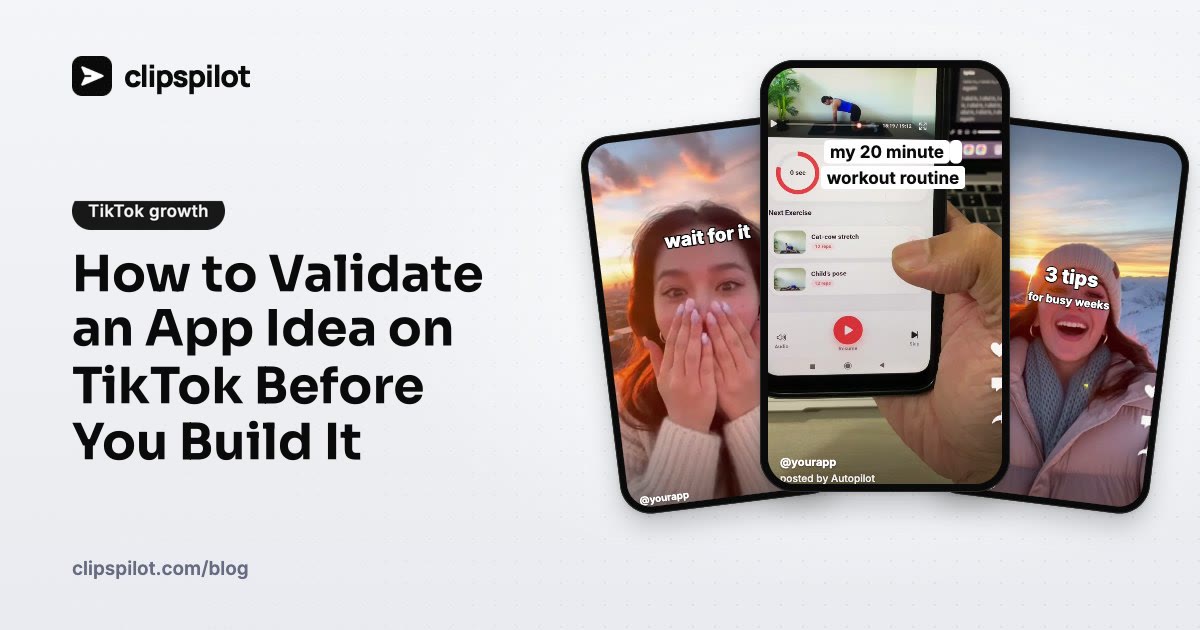
Most app ideas fail for a boring reason: nobody finds out they exist. You can learn that after five months of building, or you can learn it in a week, before you write much code, by posting the idea on TikTok and watching what people do.
This guide shows how to run that test: what to post, how many versions, what counts as a real signal, and what to do with the results.
Why TikTok is the right place to test an idea
Three things make TikTok unusually good for validation:
- New accounts get real viewers. Every video is shown to a small group of people first, whatever your follower count. A brand-new account can get a fair test on day one.
- The feedback is fast. A video gets most of its views in the first day or two. Compare that with SEO or App Store optimization, where a change can take weeks to show up.
- The comments are honest. People say "I need this", "how is this different from X" or "nobody would use that" without being asked.
The founder of Pushscroll, an app that makes you do pushups before you can scroll, described doing exactly this: before any code existed, a co-founder posted a rough demo stitched together from existing clips. It got around 80,000 views and roughly 500 comments asking for the app. That told them people wanted it, and that it could spread, before they built it.
Step 1: Turn each idea into a 10-second demo
You don't need a working app. You need a clip that shows the moment the product helps:
- A clickable mockup recorded on your phone (Figma prototypes work well).
- A rough prototype that only does the one thing.
- A stitched demo that shows the idea honestly as a concept. Don't claim it's live; "would you use this?" is the point.
Keep each clip to one idea and one moment. If you have three ideas, or three angles on one idea, make three clips.
Step 2: Write hooks that ask for a reaction
Validation hooks are different from sales hooks. You want people to tell you whether they'd use it:
- "Would you use an app that does this?"
- "I'm building this. Should I finish it?"
- "The app I wish existed for [problem]"
- "POV: your phone finally helps you [goal]"
Write five to ten per idea and rotate them. For more formulas, see 60 TikTok hook ideas for apps, or try the free hook generator.
Step 3: Post every day for a week
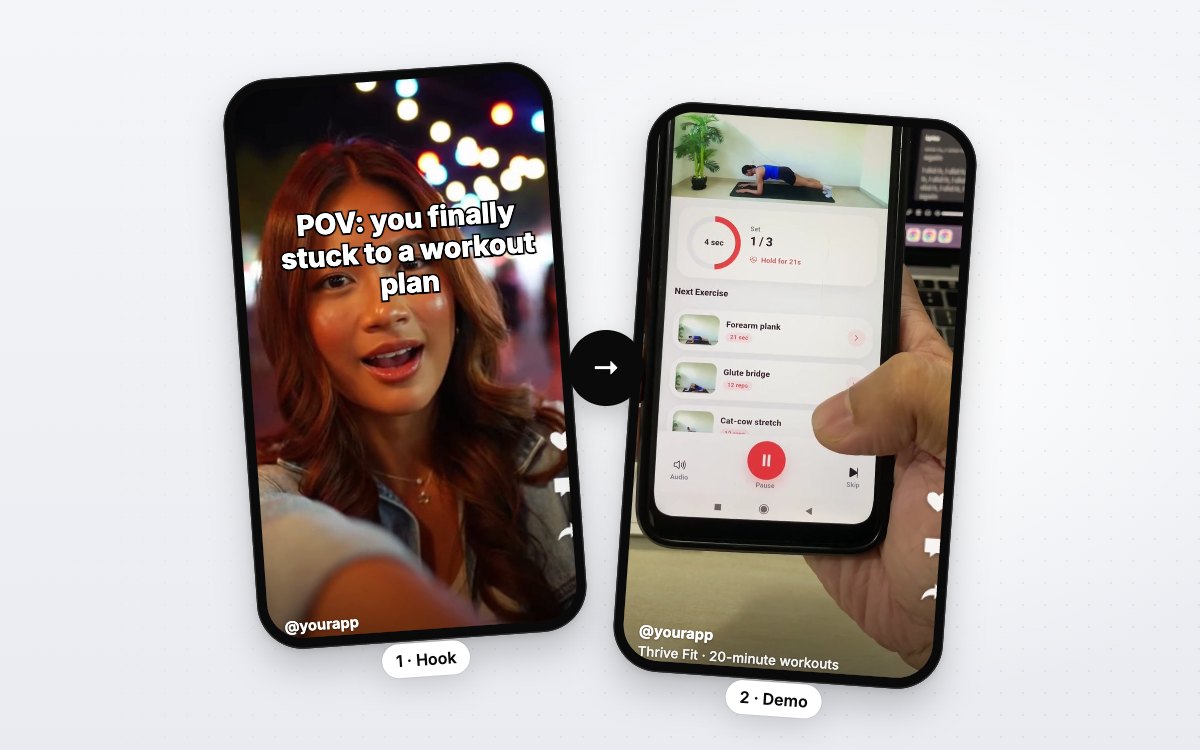
One video is noise. A week of daily posts per idea, with different hooks over the same clip, is enough to see a pattern. The Hook & Demo format works well here: a reaction clip carries the hook, your concept clip carries the proof.
Post at least once a day, and keep the format the same across ideas so the idea is the thing you're comparing. How often to post on TikTok covers the schedule in more detail.
Step 4: Read the right signals
Views tell you the hook stopped the scroll. They don't tell you anyone wants the app. Look at these, roughly in order of strength:
| Signal | What it means |
|---|---|
| Comments asking for it ("link?", "when?", "I need this") | The strongest signal you can get before launch |
| Shares and saves | People want to show it to someone or come back to it |
| Waitlist sign-ups from your bio link | Intent you can count |
| Average views per post, per idea | Which idea the feed pushes further |
| Comments saying "I'd never use this" | Useful too: find out why |
Count these per idea, not per video. An idea whose posts average twice the views and get "where can I download this?" comments is your winner.
Step 5: Decide, then build only what was asked for
At the end of the week you'll usually see one of three results:
- One idea clearly wins. Build the smallest version of that, and keep posting about it while you build. Your audience starts now.
- Nothing gets traction. Try new angles on the problem before you drop it. The problem may be right and the framing wrong.
- People ask for something adjacent. Comments often name the feature they actually want. That can be the better product.
Whatever happens, set up the bio link before launch so you can measure clicks from day one. How to get app downloads from TikTok without ads walks through that path.
Run the test on Autopilot
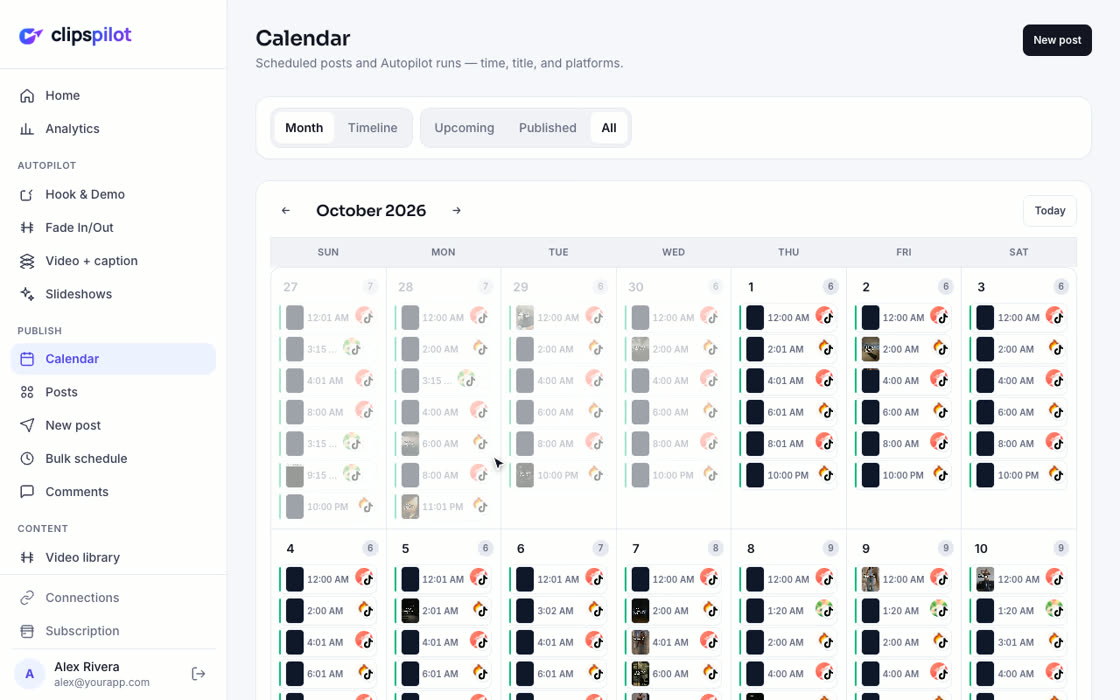
Posting several clips a day for a week is the part people skip. ClipsPilot has an idea test for this: a Video + caption Autopilot with one demo clip per idea and hooks written to ask for a reaction. It posts to TikTok every day on your schedule, and Analytics › What's working ranks your clips and hooks by average views, so you can see which idea people watch. A tracked bio link shows how many people clicked through on each day.
Start a 7-day free trial and run your first idea test this week.
FAQ
Can I post a demo of an app that doesn't exist yet?
Yes, as long as you're honest about it. Frame it as an idea or something you're building, and don't promise a download link you can't give. People are generous with feedback when you ask.
How many views do I need before an idea is validated?
There's no fixed number. Compare ideas against each other over the same week and format. Comments asking for the app matter more than raw views.
Should I test on my main account?
A separate account for testing keeps your main account focused. Once an idea wins, move the winning content to the account you'll keep.
How long should a validation test run?
About a week of daily posts per idea is usually enough to compare. If results are close, run a second week with new hooks.