Best TikTok Slideshow Makers in 2026
Five ways to make TikTok photo slideshows compared: built-in photo mode, Canva, CapCut, ReelFarm and ClipsPilot, and which fits daily posting.
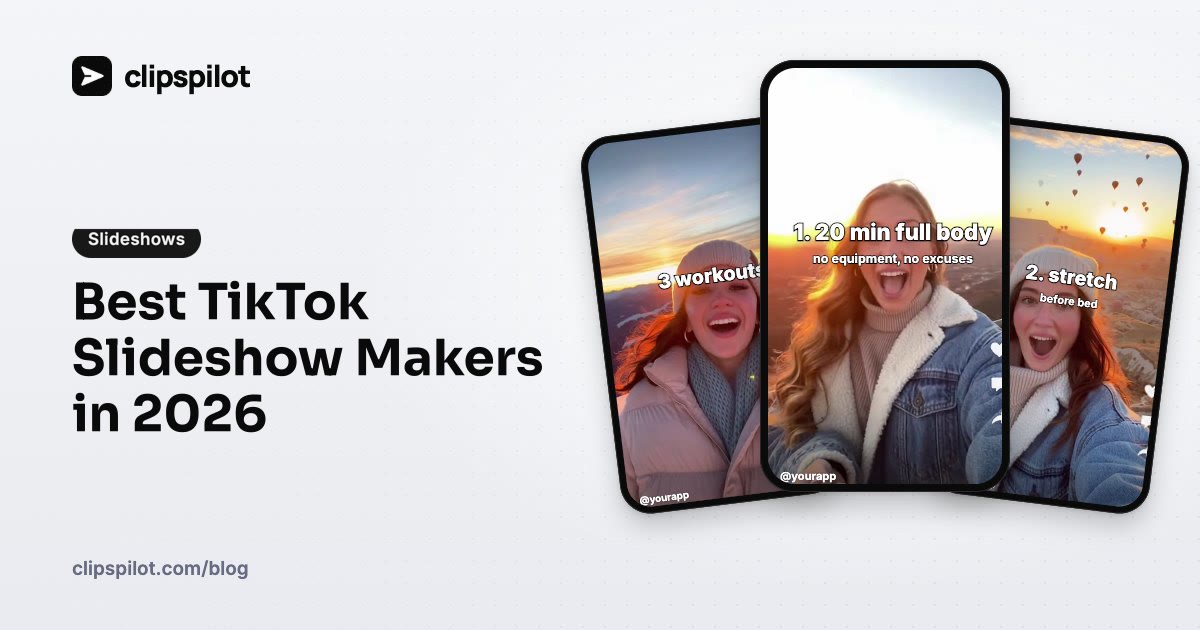
The best TikTok slideshow maker depends on how many you need to post. For one or two a week, TikTok's own photo mode or Canva is plenty. For one or more every day, you want a tool that writes the slides and posts them for you, because writing and designing each carousel by hand doesn't scale.
Here are five options and what each does best. Prices change often, so check each vendor's pricing page.
Quick comparison
| Tool | Writes the slides | Posts to TikTok for you | Best for |
|---|---|---|---|
| ClipsPilot | Yes, with AI, every post | Yes, as a native photo carousel, on schedule | Daily slideshows for an app or brand |
| TikTok photo mode | No | You post from the app | One-off carousels from your camera roll |
| Canva | No (templates) | No, you export and upload | Designed slides with your branding |
| CapCut | No (templates) | No, you export and upload | Slideshows as edited videos with music |
| ReelFarm | Yes, with AI | Yes | AI slideshows and UGC-style videos |
1. ClipsPilot: daily slideshows on Autopilot
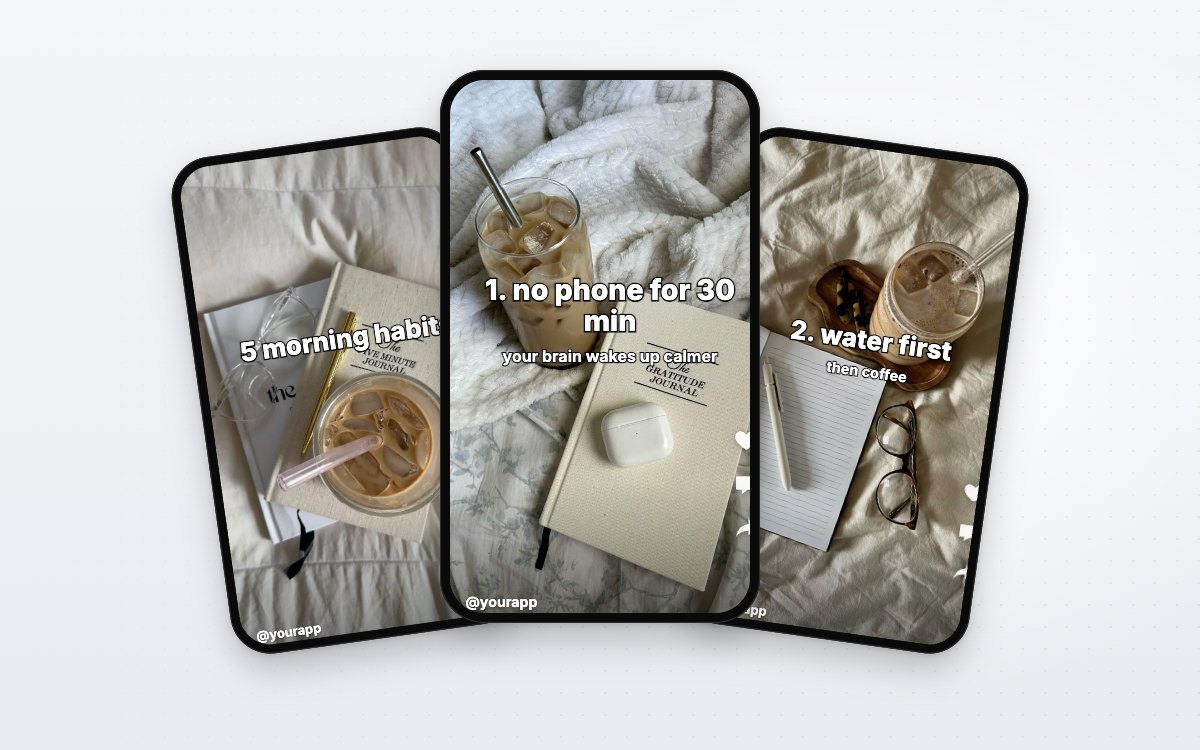
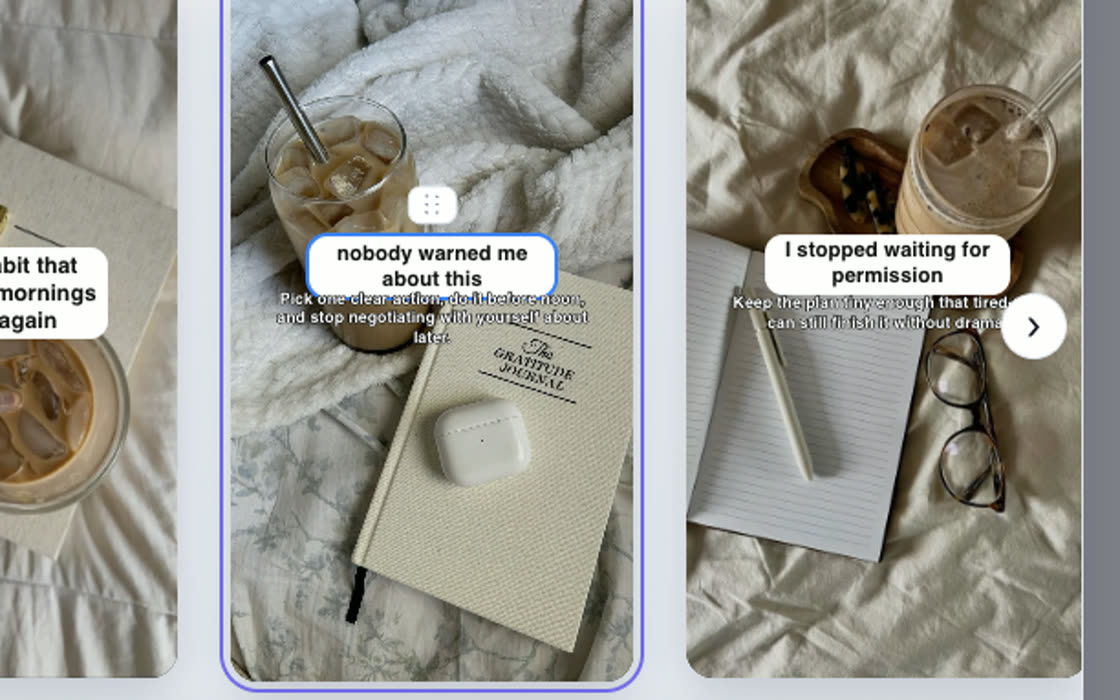
ClipsPilot's Slideshow Autopilot writes a new listicle every run, places each slide's text over a different photo from your collection, and posts it to TikTok as a native photo carousel on your schedule, or sends it to your drafts first. Photo collections come from your uploads or Pinterest, and text styles (outline, white box, pill and more) stay readable on any photo.
You can start from one of 10 ready-made styles, such as Morning Routine or Reading List, and change the topic and photos for your app. Slideshows share the same calendar and posting as ClipsPilot's video formats.
Best for: app founders who want a slideshow every day without writing or designing one. Plans start at $19/month for 100 posts, with a 7-day free trial (pricing, slideshow maker).
2. TikTok photo mode: free and built in
In the TikTok app you can select several photos and post them as a carousel, then add text and a sound in the editor. It's free and native, but every slide's text is typed by hand, one post at a time.
Best for: occasional slideshows from photos already on your phone.
3. Canva: full design control
Canva has templates sized for TikTok and makes it easy to design consistent slides with your fonts and colours. You export the images and upload them to TikTok yourself.
Best for: brands that want carefully designed slides and post a few a week.
4. CapCut: slideshows as videos
CapCut's templates turn photos into a video slideshow with transitions and music. That's a video post rather than a swipeable photo carousel, which suits some content and not others.
Best for: creators who want motion and music rather than swipe-through slides.
5. ReelFarm: AI slideshows and UGC videos
ReelFarm creates AI slideshows and UGC-style videos for TikTok and can post them. It uses credits for exports and AI images, so check how many posts your plan covers.
Best for: marketers who want AI-made slideshows alongside AI avatar videos.
What makes a slideshow worth swiping
Whichever tool you use, the same rules apply:
- The first slide is the hook. Promise a list, a fix or a surprise; see 60 TikTok hook ideas for apps.
- One idea per slide, short enough to read in two seconds.
- Photos that match the mood of your niche.
- Mention your app softly on the last slide.
Our full guide to TikTok photo slideshows covers formats and examples.
FAQ
What's the difference between a TikTok slideshow and a video?
A photo slideshow is a carousel viewers swipe through, slide by slide. A video slideshow plays photos automatically with transitions. Carousels often get saved, because people come back to lists.
Can I schedule TikTok photo slideshows?
Yes, with tools that post through TikTok's official API. ClipsPilot schedules slideshows and videos on the same calendar.
How many slideshows should I post?
One a day is a strong pace for a new account. Steady posting matters more than volume, as explained in how often to post on TikTok.
Do I need my own photos?
You need photos that fit your niche. They can be your own or a collection you build from sources you're allowed to use.
Sources (checked October 2026): Canva, CapCut, ReelFarm on Capterra, ReelFarm review.