Best TikTok Scheduling Tools for App Founders in 2026
Six TikTok schedulers compared for app founders: what each is built for, which have free plans, and when you need a tool that makes the posts too.
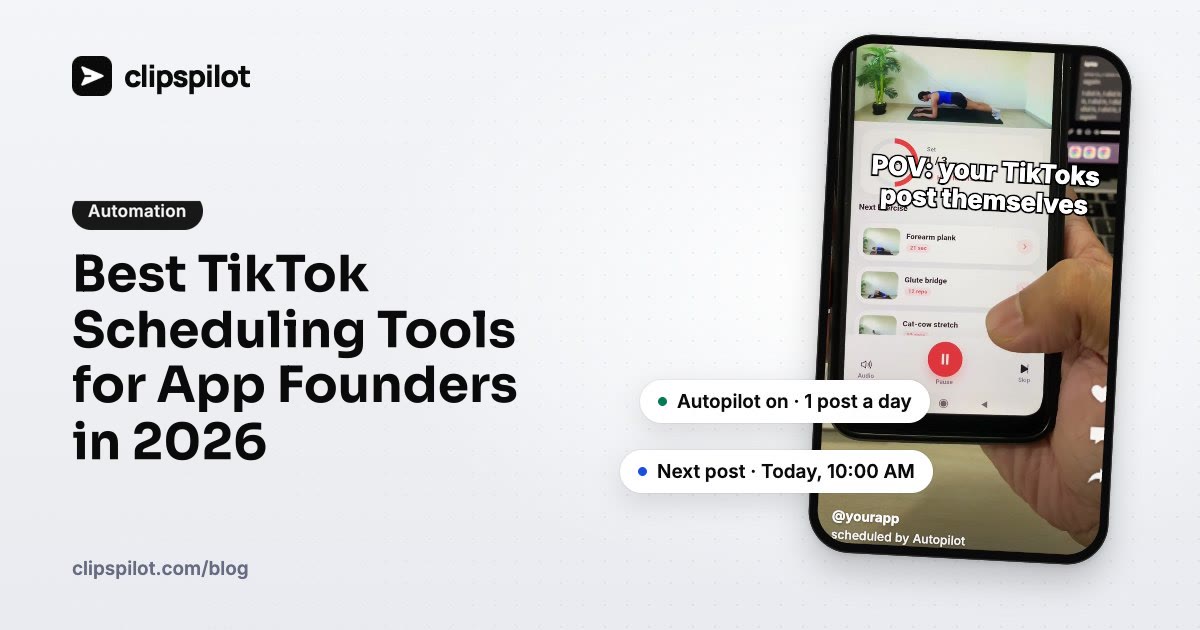
The best TikTok scheduler for an app founder depends on one question: do you already have finished videos, or do you need the TikToks made too? If you have the videos, TikTok Studio (free) or Buffer is enough. If you need a new post every day without filming, you want a tool that creates the content as well as scheduling it.
Below are six options, what each is built for, and how to pick. Prices change often, so check each vendor's pricing page before you decide.
Quick comparison
| Tool | Makes the TikToks for you | Free option | Best for |
|---|---|---|---|
| ClipsPilot | Yes: hook videos and photo slideshows | 7-day free trial | App founders who want daily posts without filming |
| TikTok Studio | No | Free | Scheduling a few finished videos |
| Buffer | No | Free plan | Simple scheduling across several platforms |
| Later | No | No free plan | Teams planning visual content across platforms |
| Metricool | No | Free plan | Scheduling plus analytics in one place |
| Hootsuite | No | Free trial only | Larger teams that need approvals and reporting |
1. ClipsPilot: when you need the posts made too
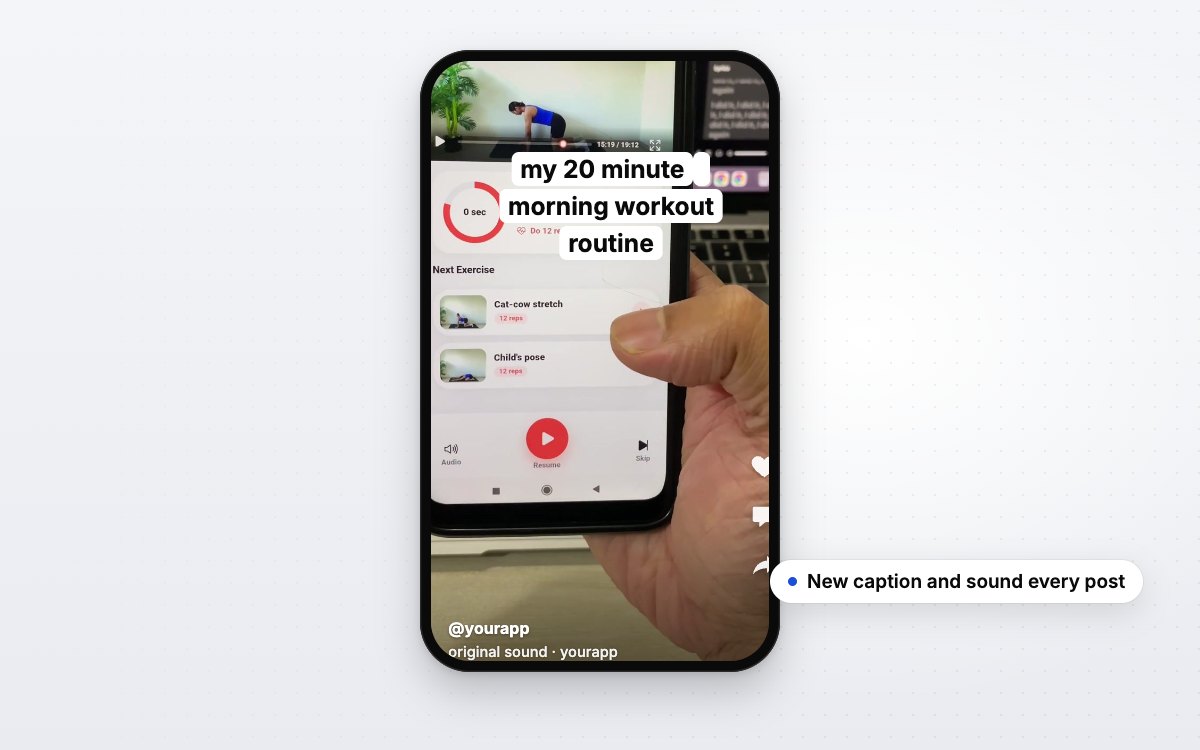
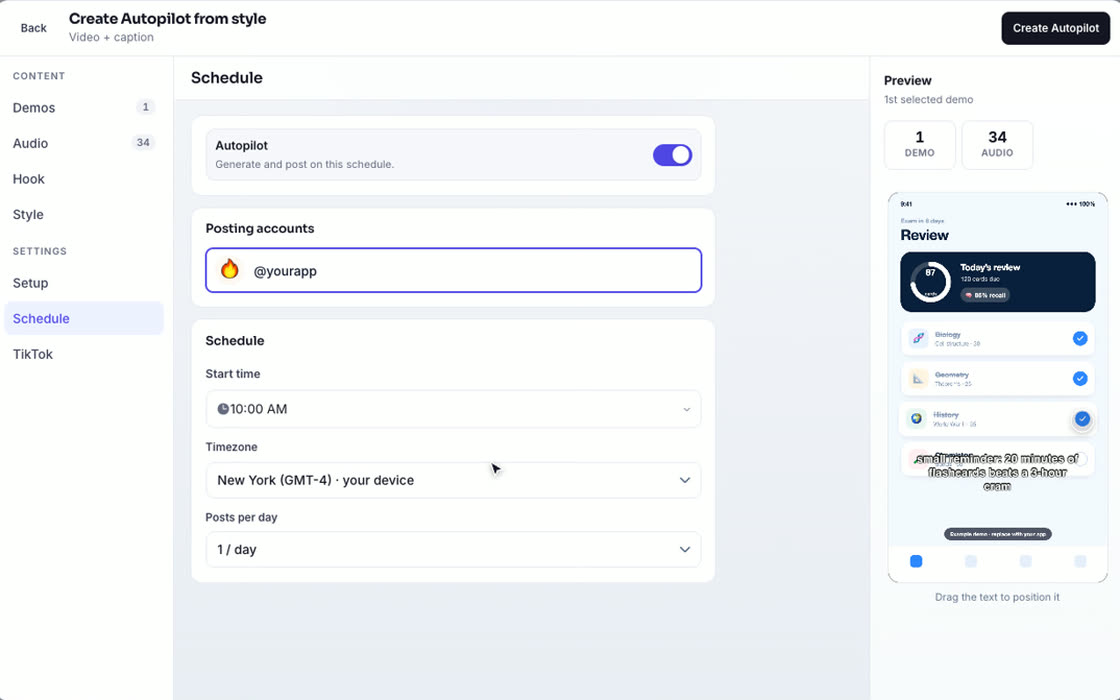
ClipsPilot is built for app founders and marketers who post on TikTok only. Instead of uploading finished videos, you set up an Autopilot once: your app demo clips or photos, a direction for the hooks, and a schedule. On every run it writes a new hook, makes the video or photo slideshow, and posts it through TikTok's official API, or sends it to your TikTok drafts to review first.
Formats include Hook & Demo videos, a hook that fades in over your demo, captioned demo clips, and AI-written photo slideshows. Everything lands on one calendar, every plan includes unlimited TikTok accounts, and you can also bulk schedule videos you already made.
Best for: founders who want one to three posts a day without filming or editing. Plans start at $19/month for 100 posts, with a 7-day free trial (pricing).
2. TikTok Studio: free, for a handful of posts
TikTok's own desktop tool lets Creator and Business accounts schedule a video up to 10 days ahead. It's free and needs no extra login, but you schedule one post at a time and only for TikTok.
Best for: posting a few finished videos a week when you don't need a calendar view or several accounts.
3. Buffer: simple and cheap across platforms
Buffer is a straightforward queue for scheduling posts to TikTok and other networks. Its free plan covers a few channels with a limited queue, and paid plans are priced per channel.
Best for: founders who post the same finished video to TikTok, Instagram and YouTube and want the simplest possible tool.
4. Later: visual planning for teams
Later grew up around Instagram and offers a drag-and-drop visual calendar for TikTok and other platforms, plus a media library and analytics. There's no free plan.
Best for: small marketing teams that plan content visually across several platforms.
5. Metricool: scheduling and analytics together
Metricool combines a scheduler with analytics for social accounts and ads, and has a free plan to start with.
Best for: people who want reporting and scheduling in one dashboard, especially if they also run ads.
6. Hootsuite: for larger teams
Hootsuite is an established social media suite with team workflows, approvals and reporting. It costs more than the others and offers a trial rather than a free plan.
Best for: companies with several people managing many social accounts.
How to choose
- You have finished videos and post a few times a week: start with TikTok Studio. Move to Buffer or Metricool when you need several platforms.
- You manage content for a team or several brands: look at Later or Hootsuite.
- You don't have time to make the videos: a scheduler alone won't fix that. Posting daily is what grows a new account (see how often to post on TikTok), so choose a tool that creates the posts, like ClipsPilot.
Whichever you pick, test hooks rather than posting the same angle every day. 60 TikTok hook ideas for apps is a good place to start.
FAQ
Can you schedule TikTok posts for free?
Yes. TikTok Studio on desktop lets Creator and Business accounts schedule up to 10 days ahead, and Buffer and Metricool have free plans with limits.
Can schedulers post TikTok photo slideshows?
Some can and some can't, so check before you buy. ClipsPilot posts native TikTok photo carousels and schedules them on the same calendar as videos.
Is it safe to use a TikTok scheduler?
Tools that post through TikTok's official Content Posting API are the safe choice. Avoid tools that automate likes, follows or comments.
What's the best TikTok scheduler for an app?
If you already make videos, a free or low-cost scheduler is enough. If the bottleneck is making content every day, use a tool that creates and schedules the posts, such as ClipsPilot.
Sources (checked October 2026): TikTok Studio scheduling, Buffer pricing, Later, Metricool vs Later, Hootsuite pricing.